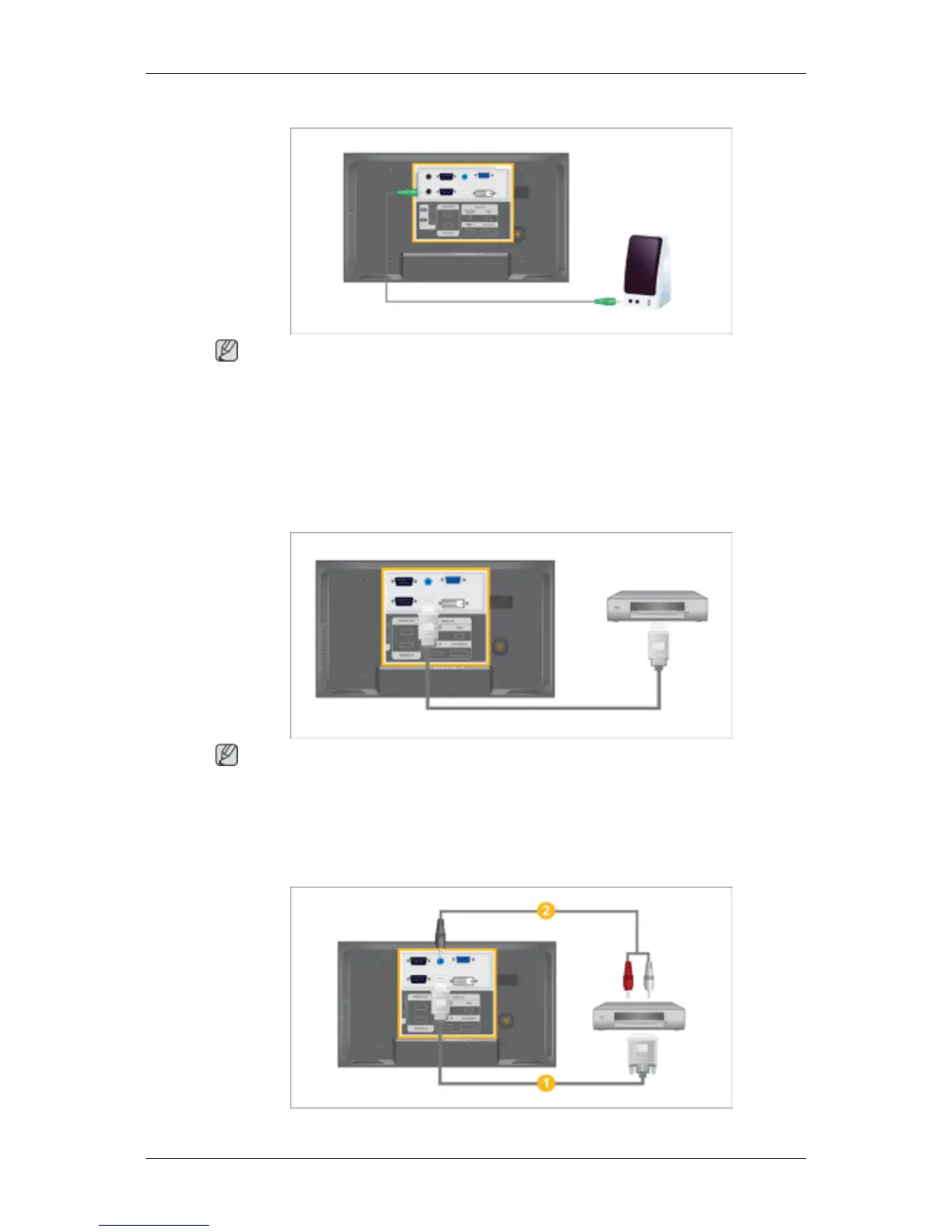
Connecting to a Wired Remote Control
Note
• You can control your LCD Display by allowing it to receive the remote control signals of other
devices through the REMOTE OUT terminal.
• You can control a device by allowing it to receive remote control signals from other devices through
the REMOTE IN terminal.
• Restrictions: Available only if other devices support the wired remote control I/O terminals.
Connecting Using a HDMI Cable
Note
• Input devices such as digital DVD are connected to the HDMI IN terminal of the LCD Display
using the HDMI cable.
• You cannot connect a PC to the HDMI IN terminal.
Connecting Using a DVI to HDMI Cable
Connections







 To Next Page