Note
The direct button on the remote control is the 'SRS' button.
MENU → , → ENTER → , → ENTER → , → ENTER
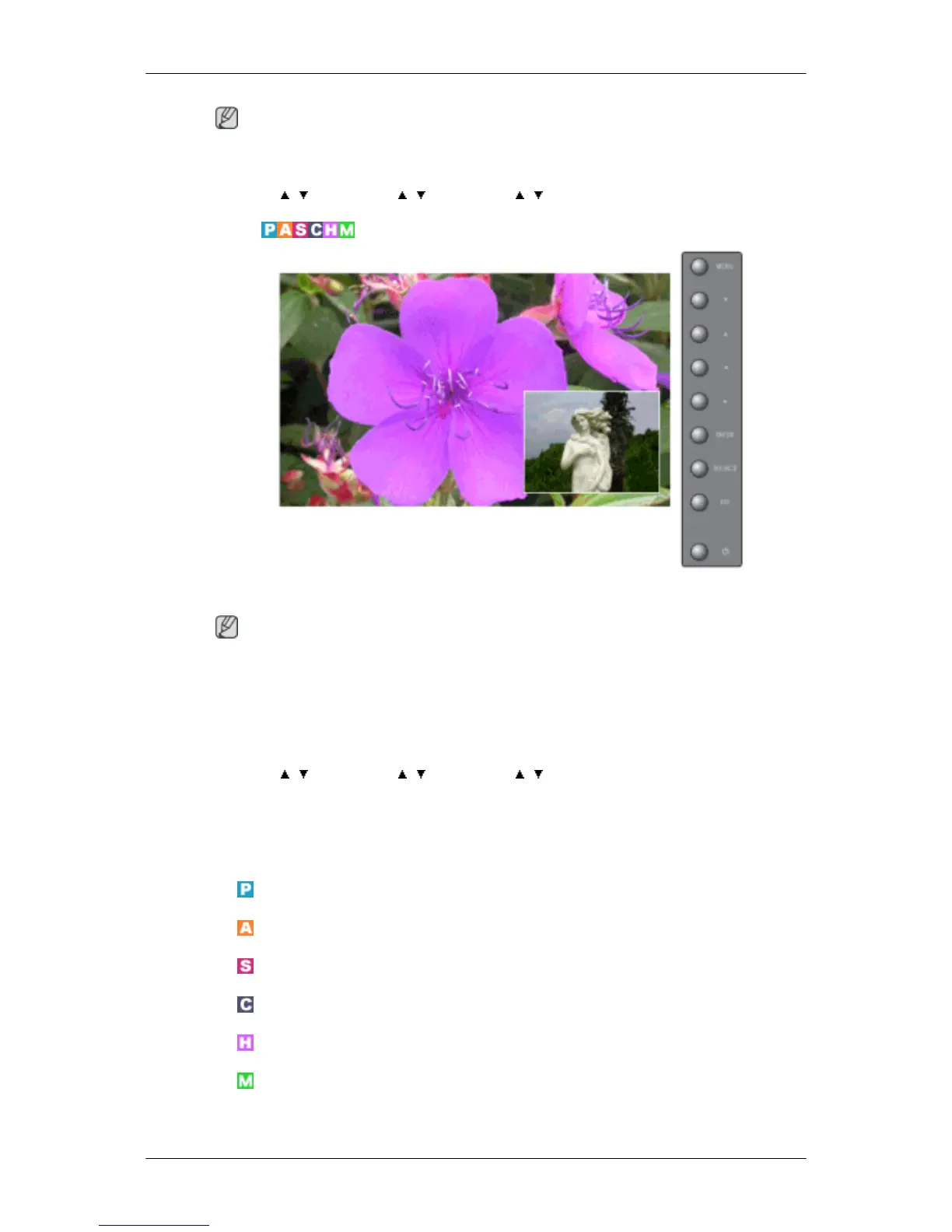
Sound Select
Selects either Main or Sub when PIP is On.
Note
Available Modes: PIP ON
1. Main
2. Sub
MENU → , → ENTER → , → ENTER → , → ENTER
Setup
Available Modes
•
PC / BNC / DVI
•
AV
•
S-Video
•
Component
•
HDMI
•
MagicInfo
Adjusting the LCD Display







 To Next Page