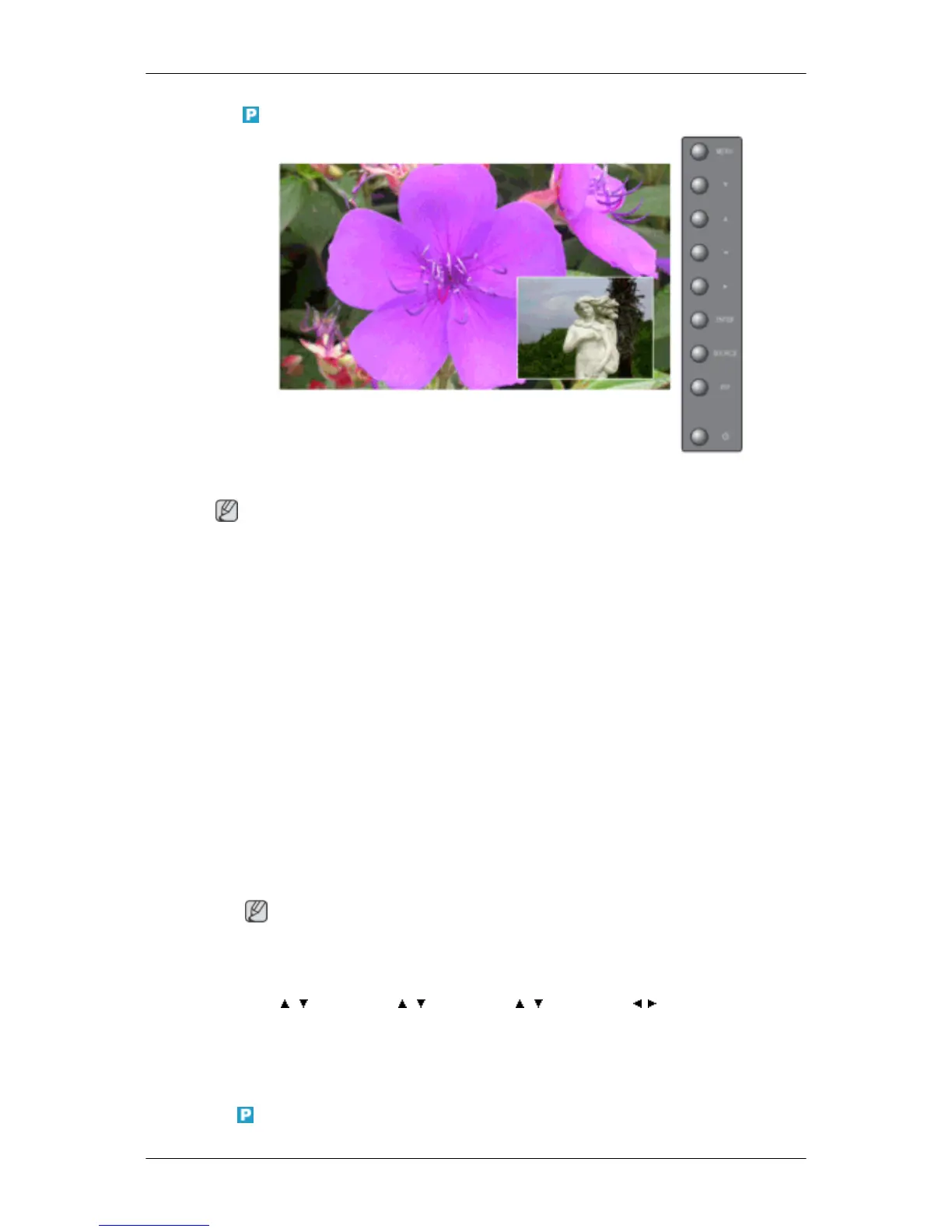
PIP Picture
Adjusts the PIP Screen Settings.
Note
Available Modes: PIP ON
1. Contrast
Adjusts the Contrast of the PIP window on the screen.
2. Brightness
Adjusts the Brightness of the PIP window on the screen.
3. Sharpness
Adjusts the difference between the lightest and darkest areas of the PIP window.
4. Color
Adjusts the Color of the PIP window on the screen.
5. Tint
Adds a natural tone to the PIP window.
Note
You can view a picture from AV, S-Video through the PIP screen in PC, BNC and DVI mode.
Operates only if the video signal is NTSC.
MENU → , → ENTER → , → ENTER → , → ENTER → , → ENTER
Picture [ AV / S-Video / Component / HDMI Mode]
Available Modes
•
PC / BNC / DVI
Adjusting the LCD Display







 To Next Page