Safety Screen
The Safety Screen function is used to prevent afterimages that may appear when a still picture is
displayed on the screen over a long time.
• The Screen Scroll function scrolls the screen for the specified period of time.
• This function is not available when the power is turned off.
Safety Screen
Determines whether to turn the Screen Scroll function Off or On.
1. Off
2. On
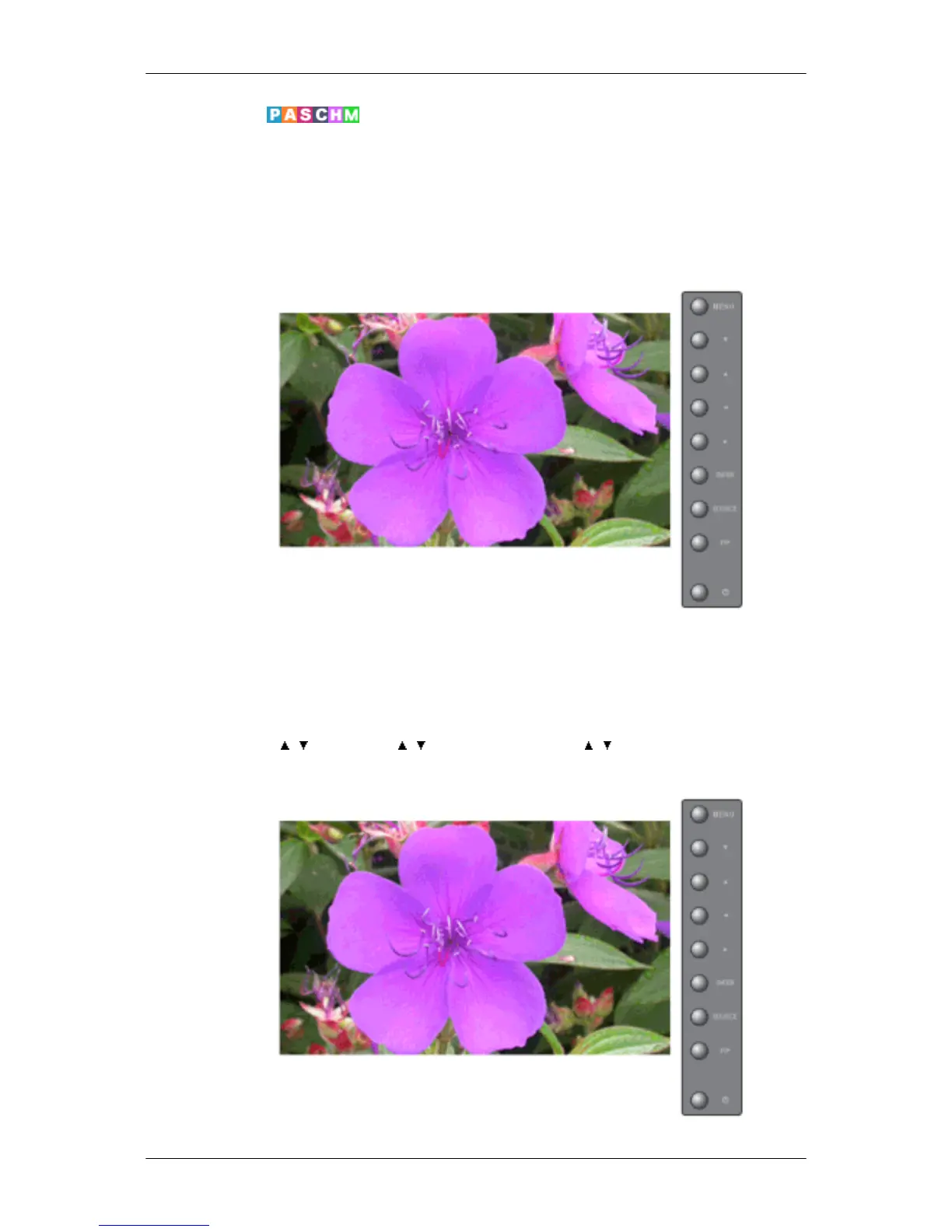
MENU → , → ENTER → , → ENTER → ENTER → , → ENTER
Interval
Adjusting the LCD Display







 To Next Page