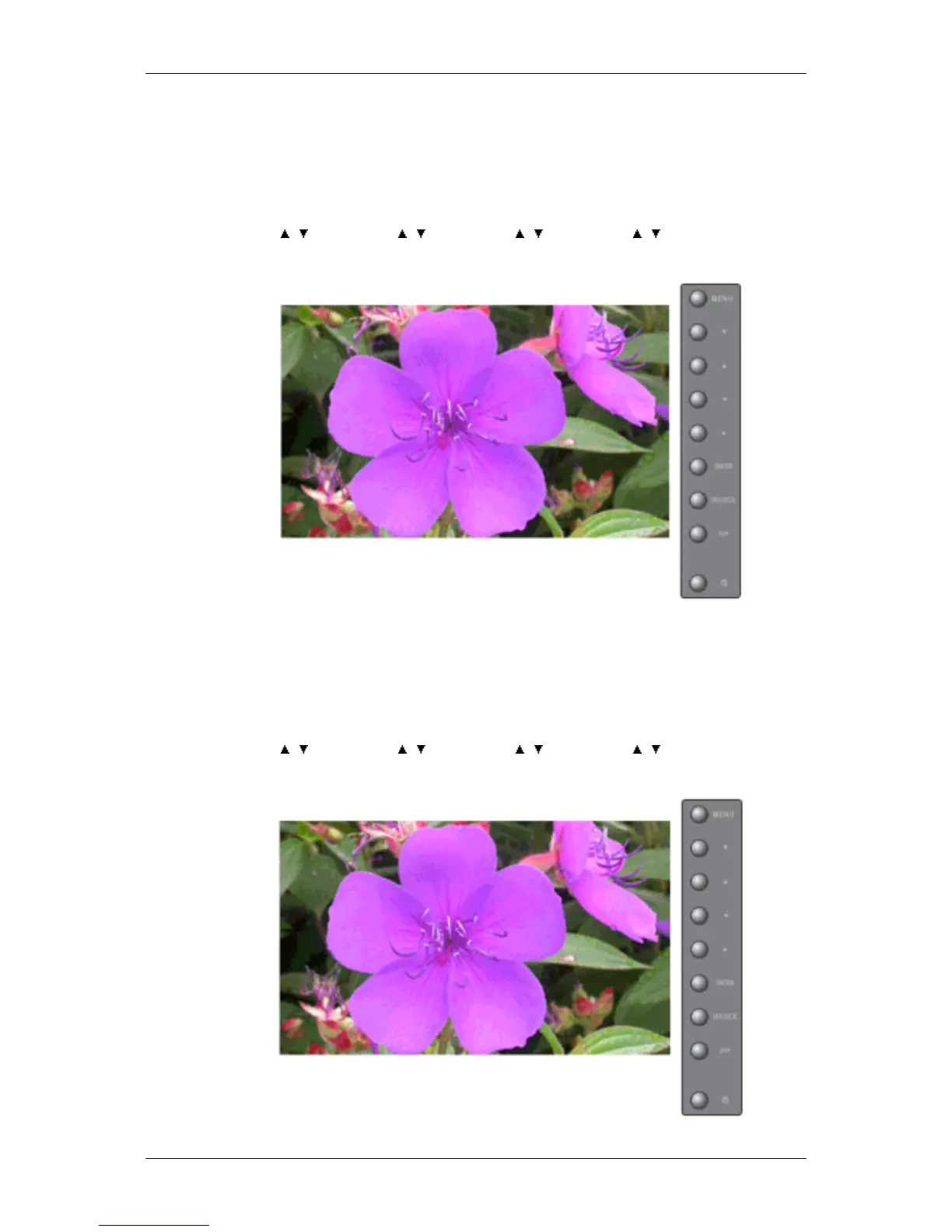
Determines the time interval to run the Screen Scroll operation. (1~10 Hour)
The time is calculated on the basis of the power on time.
By default, the time is set to 10 hours.
1. 1~10 Hour
MENU → , → ENTER → , → ENTER → , → ENTER → , → ENTER
Second
Determines the time period to run the Screen Scroll operation. (1~5 Second)
By default, the time is set to 5 seconds.
• Type-Scroll : 1~5 Second
• Type-Pixel, Bar, Eraser : 10~50 Second
MENU →
, → ENTER → , → ENTER → , → ENTER → , → ENTER
Type
Adjusting the LCD Display







 To Next Page