Film Mode
Turns Film Mode Off/On.
The Film Mode feature offers you a theater-quality viewing experience.
(Not available in HDMI Mode)
1. Off
2. On
MENU →
, → ENTER → , → ENTER → , → ENTER
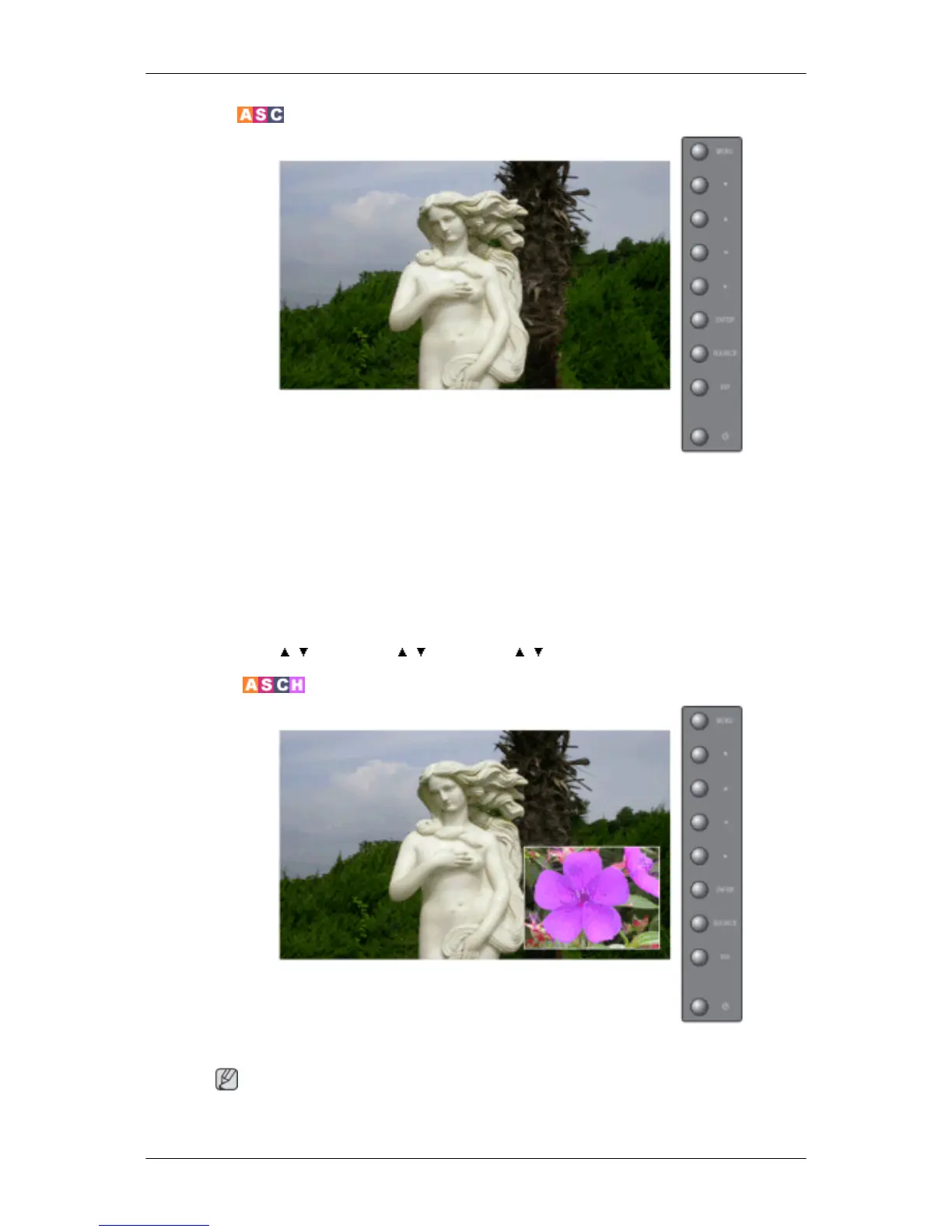
PIP Picture
Adjusts the PIP Screen Settings.
Note
Available Modes: PIP ON
Adjusting the LCD Display







 To Next Page