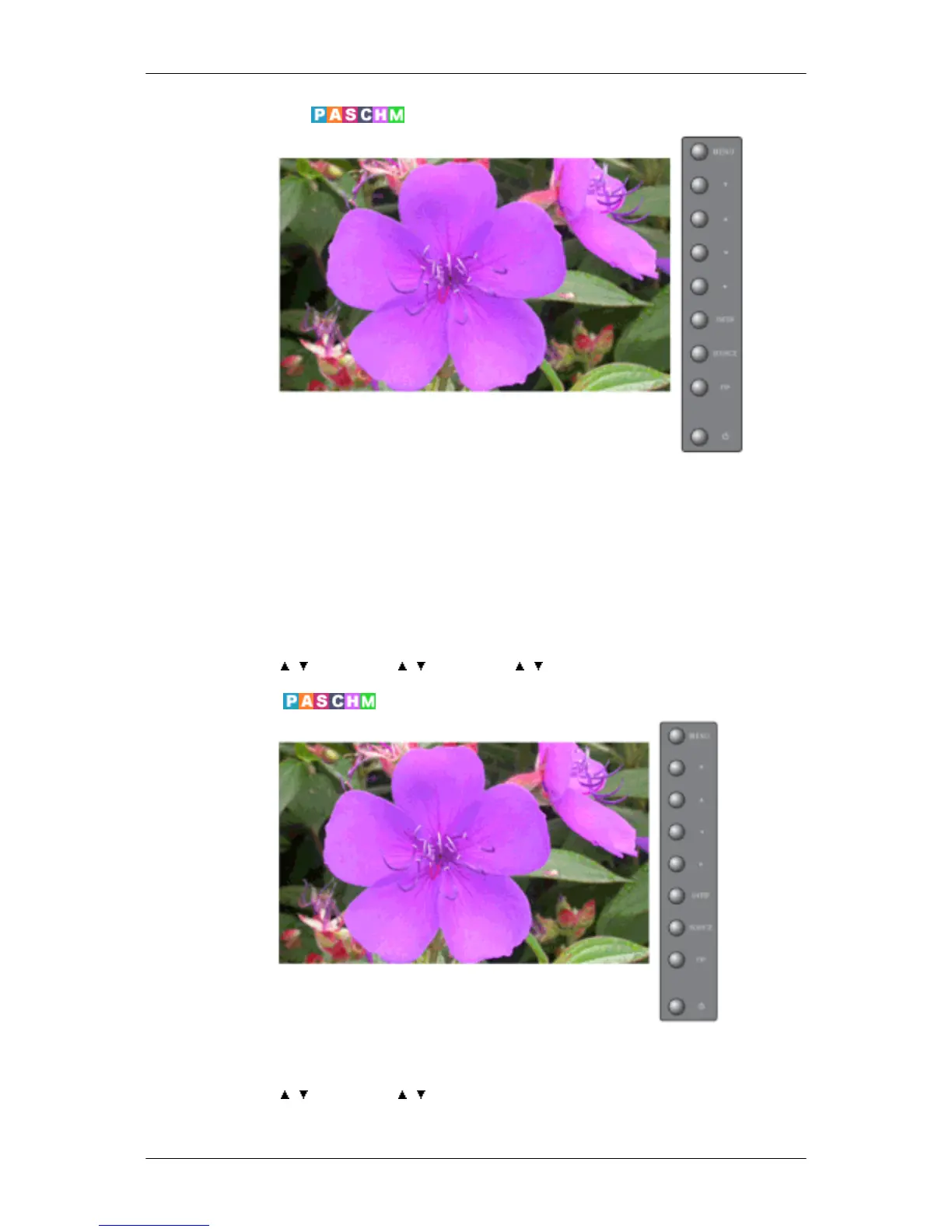
Menu Transparency
Change the transparency of the background of the OSD.
1. High
2. Medium
3. Low
4. Opaque
MENU → , → ENTER → , → ENTER → , → ENTER
Safety Lock PIN
The password can be changed.
MENU → , → ENTER → , → ENTER → [0∼ 9] → [0∼ 9] → [0∼ 9]
Adjusting the LCD Display







 To Next Page