3. DVI
4. AV
5. S-Video
6. Component
7. HDMI
MENU → ENTER →
, → ENTER → , → ENTER → , → ENTER
Picture [PC / BNC / DVI Mode]
Available Modes
•
PC / BNC / DVI
•
AV
•
S-Video
•
Component
•
HDMI
•
MagicInfo
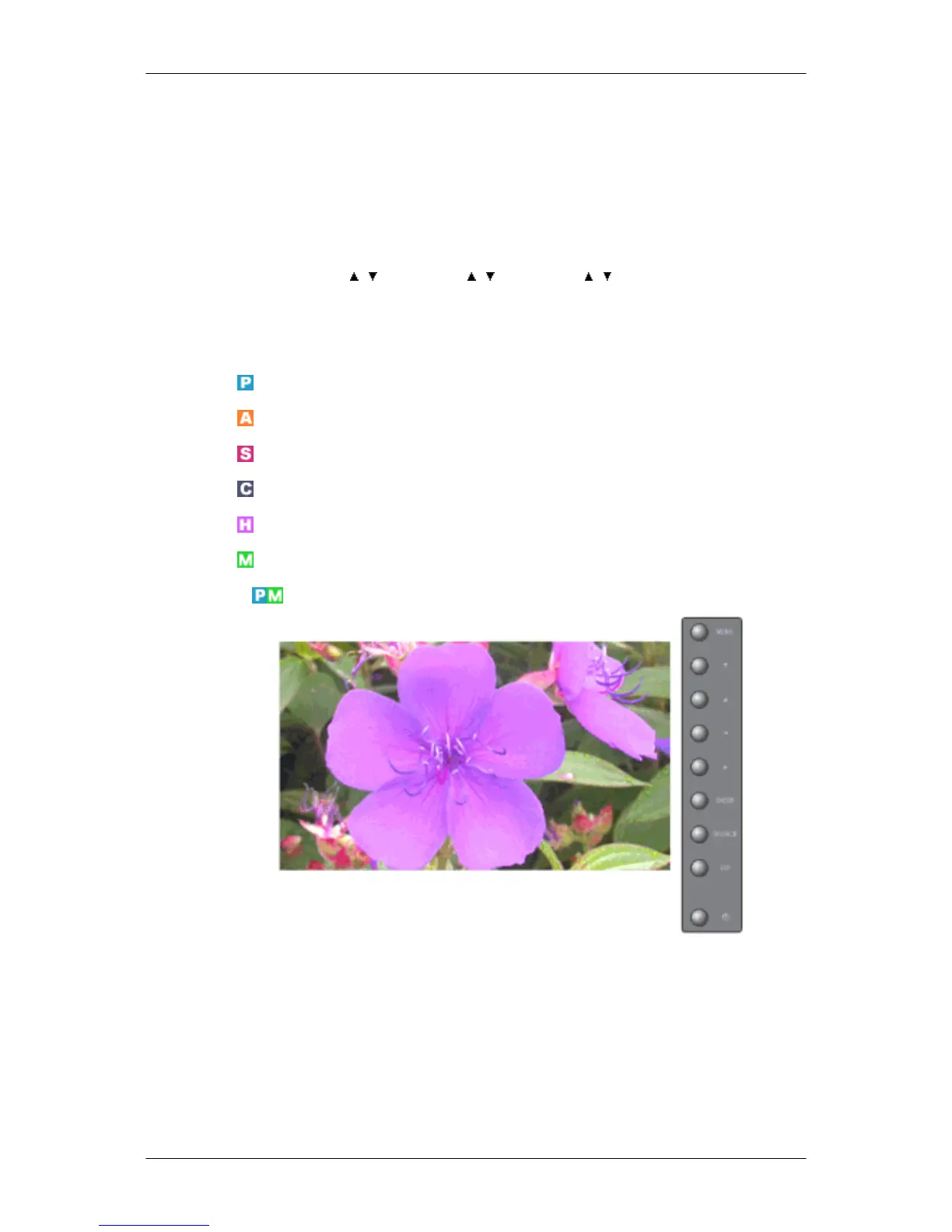
MagicBright
MagicBright is a new feature providing the optimum viewing environment depending on the contents
of the image you are watching. Currently four different modes are available: Entertain, Internet,
Text and Custom. Each mode has its own pre-configured brightness value. You can easily select one
of the four settings by simply pressing the MagicBright control button.
1. Entertain
High brightness
For documentations or works involving heavy text.
Adjusting the LCD Display







 To Next Page