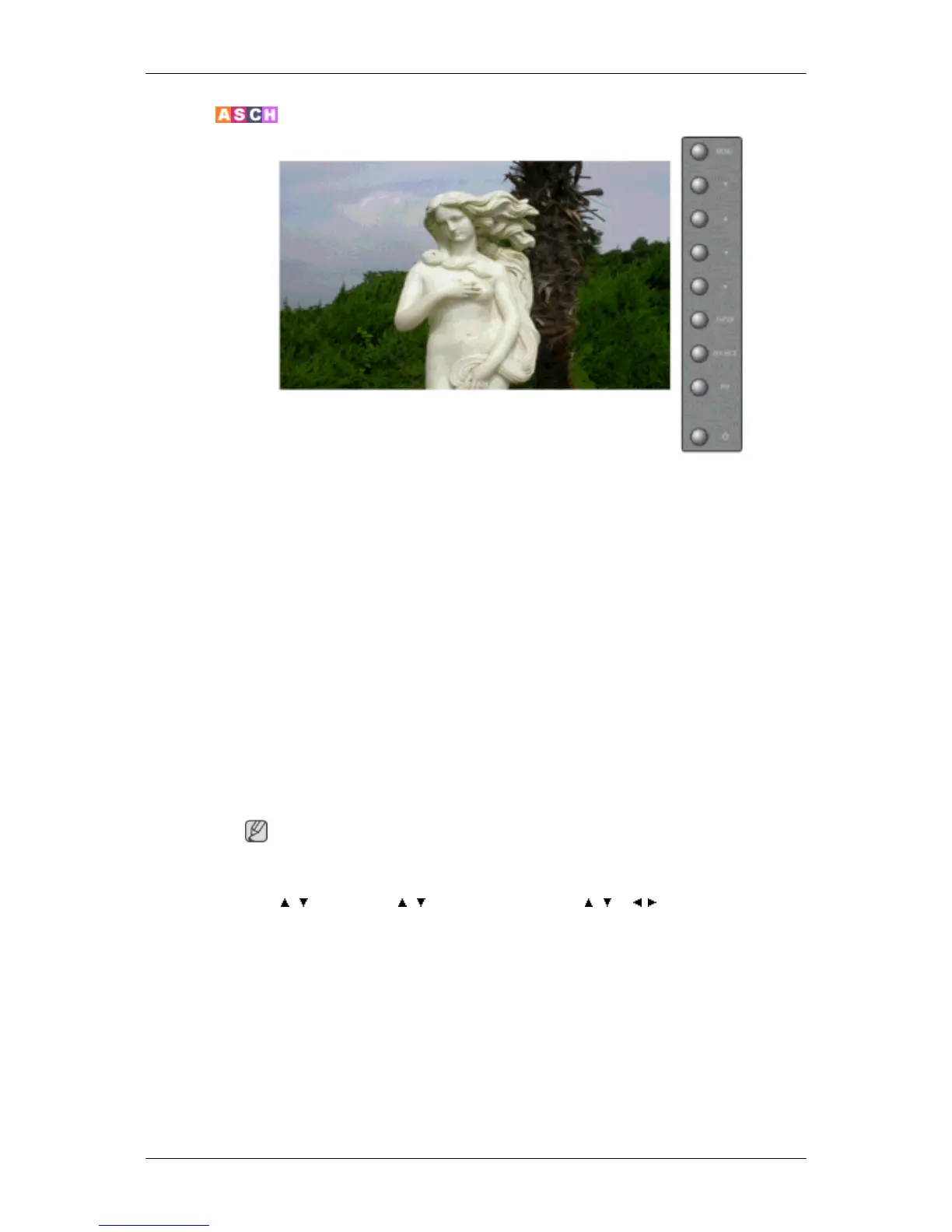
Custom
By using the on-screen menus, the contrast and brightness can be changed to your personal preference.
1. Contrast
Adds a natural tone to the PIP window.
2. Brightness
Adjusts the Brightness.
3. Sharpness
Adjusts the picture Sharpness.
4. Color
Adjusts the picture Color.
5. Tint
Adds a natural tone to the display.
Note
Operates only for AV and S-Video mode. Operates only if the video signal is NTSC.
MENU → , → ENTER → , → ENTER → ENTER → , → , → ENTER
Adjusting the LCD Display







 To Next Page