Format
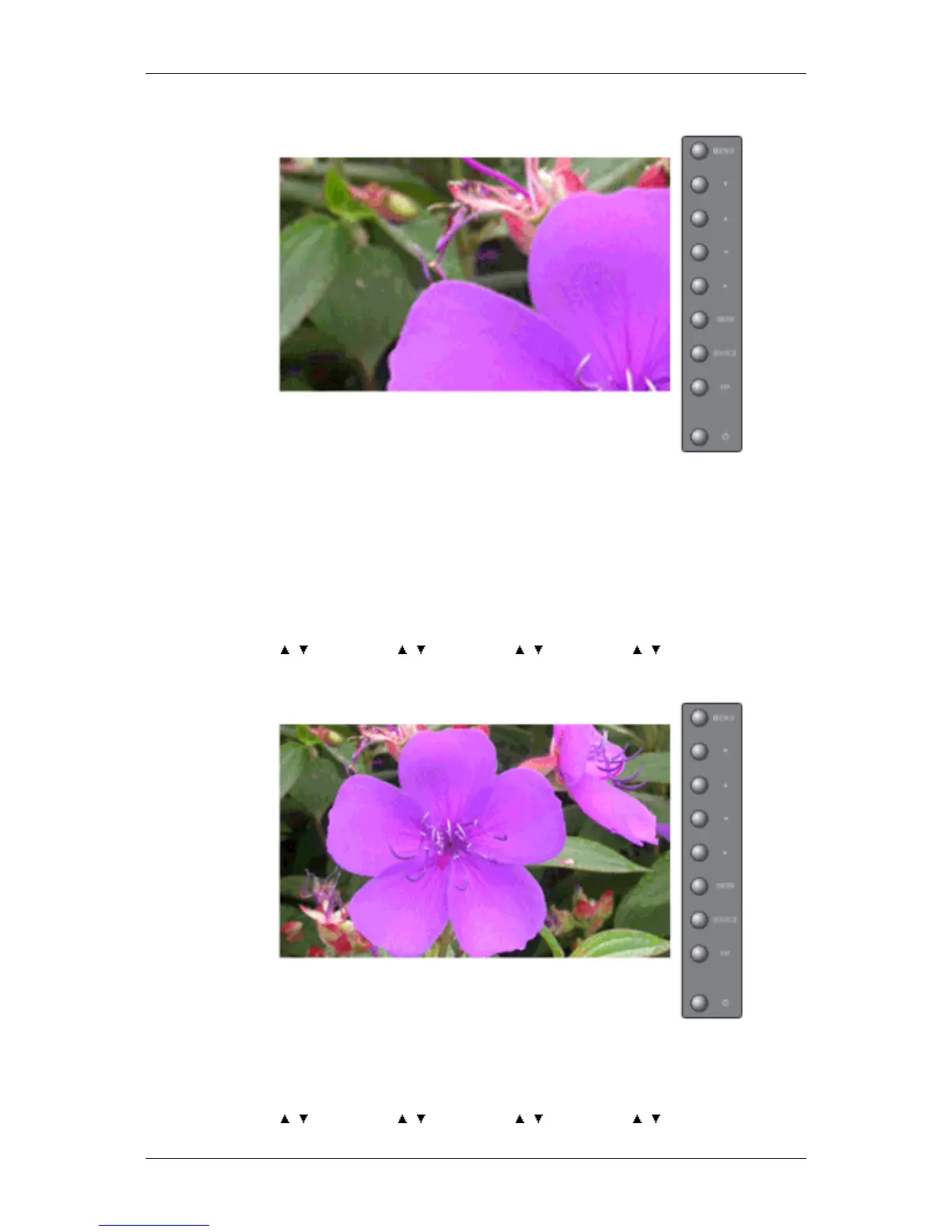
The format can be selected to see a divided screen.
1. Full
Provides a full screen without any margins.
2. Natural
Displays a natural image with the original aspect ratio intact.
MENU →
, → ENTER → , → ENTER → , → ENTER → , → ENTER
Horizontal
Sets how many parts the screen should be divided horizontally.
Five adjustment levels: 1, 2, 3, 4, and 5.
MENU → , → ENTER → , → ENTER → , → ENTER → , → ENTER
Adjusting the LCD Display







 To Next Page