8
Chapter Three: Adjusting Your Monitor
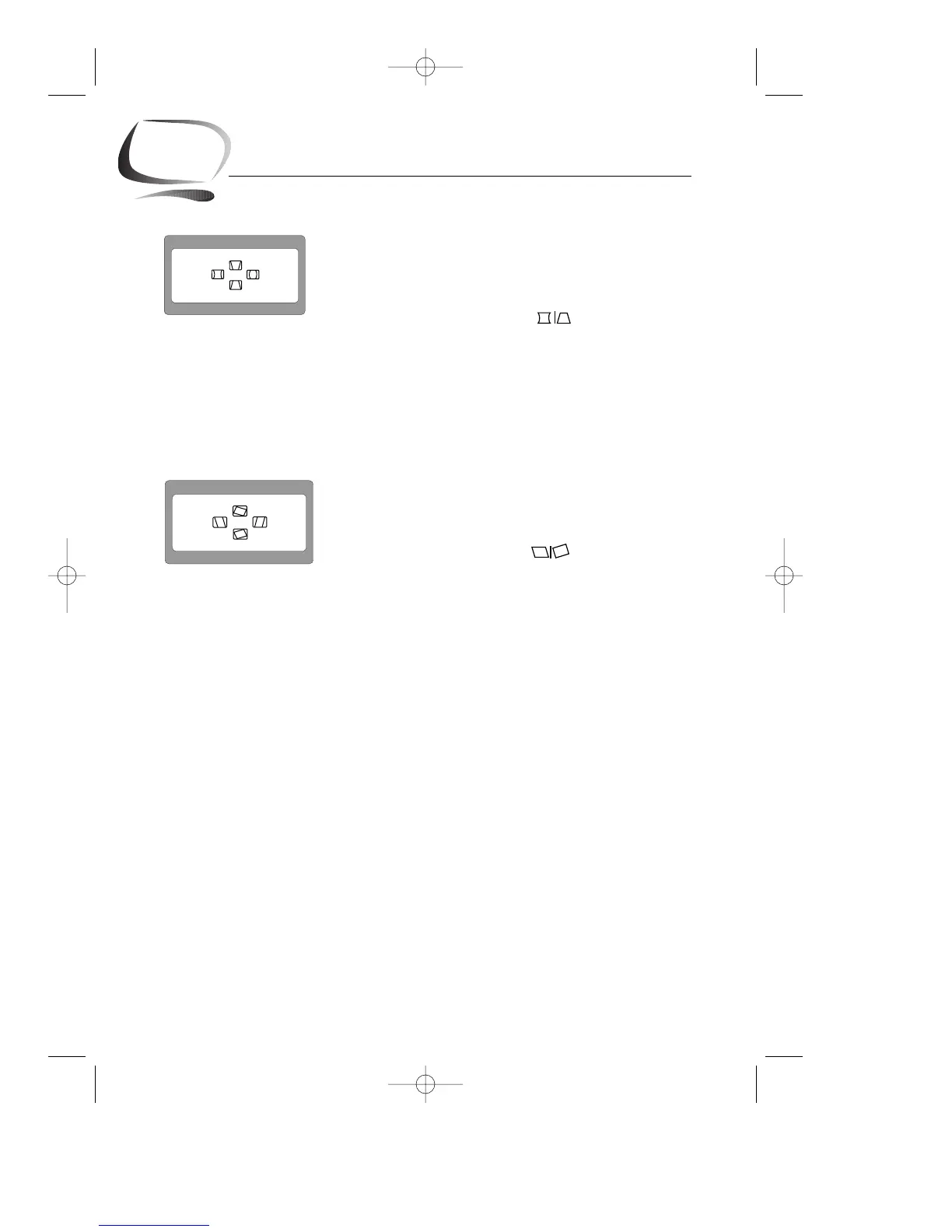
Pincushion/Trapezoid
Adjust the pincushion setting when the sides of the display
are bowed in or bowed out; adjust the trapezoid setting
when the top or bottom of the display is too large or too
small.
1
With the menu off, push the button.
The pincushion/trapezoid screen will appear.
2
Use the $ button or % button to adjust the
pincushion setting; use the ▲ button or ▼ button to
adjust the trapezoid setting.
Parallel/Rotation
Adjust the parallelogram setting when the display is leaning
left or right; adjust the rotation setting when the entire
display is tilted left or right.
1
With the menu off, push the button twice.
The parallelogram/rotation screen will appear.
2
Use the $ button or % button to adjust the parallel
setting; use the ▲ button or ▼ button to adjust the
rotation setting.










 To Next Page