15
Chapter Three: Adjusting Your Monitor
English English ItalianoFrançais Español Deutsch Português
PowerSaver
This monitor has a built-in power management system
called PowerSaver. This system saves energy by switching
your monitor into a low-power mode when it has not been
used for a certain amount of time. The available modes are
“On,” “Standby,” “Suspend,” and “Off”.
This system operates with a VESA DPMS compliant video
card installed in your computer. You use a software utility
installed on your computer to set up this feature. See the
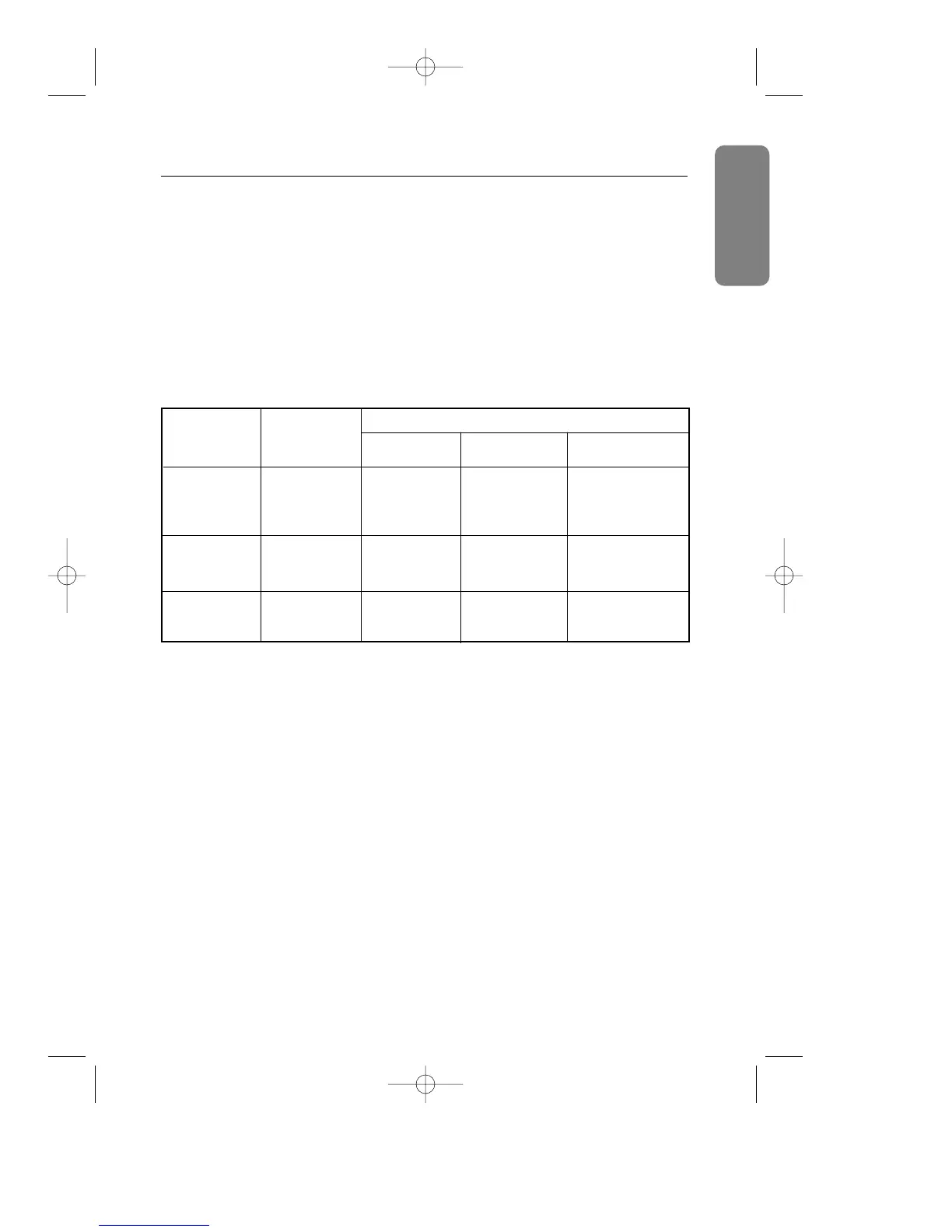
table below for details.
Power Saving function mode EPA/NUTEK
State Normal
Standby mode Suspend mode / Power-off Mode /
Operation
Position A1 Position A2
Horizontal Sync Active Inactive Active Inactive
Vertical Sync Active Active Inactive Inactive
Video Active Blanked Blanked Blanked
Power Green Amber Amber/Green Amber
Indicator Blinking Blinking
Power 130 W (Max.)
65 W (Nominal) Less than 15 W Less than 5 W
Consumption 110 W (Nominal)
NOTE: This monitor automatically returns to normal
operation when horizontal and vertical sync return.
This occurs when you move the computer's mouse
or press a key on the keyboard.
This monitor is EPA ENERGY STAR
®
compliant and NUTEK
compliant when used with a computer equipped with VESA
DPMS functionality.
For energy conservation, turn your monitor OFF when it is
not needed, or when leaving it unattended for long periods.
SE-900IFT-E 4/29/92 5:23 PM Page 15










 To Next Page