10
Degauss
The Degauss feature will remove color impurities caused by
magnetic fields. Do not use the Degauss feature more than
once within a 30-minute period.
1
With the menu off, push the MENU button.
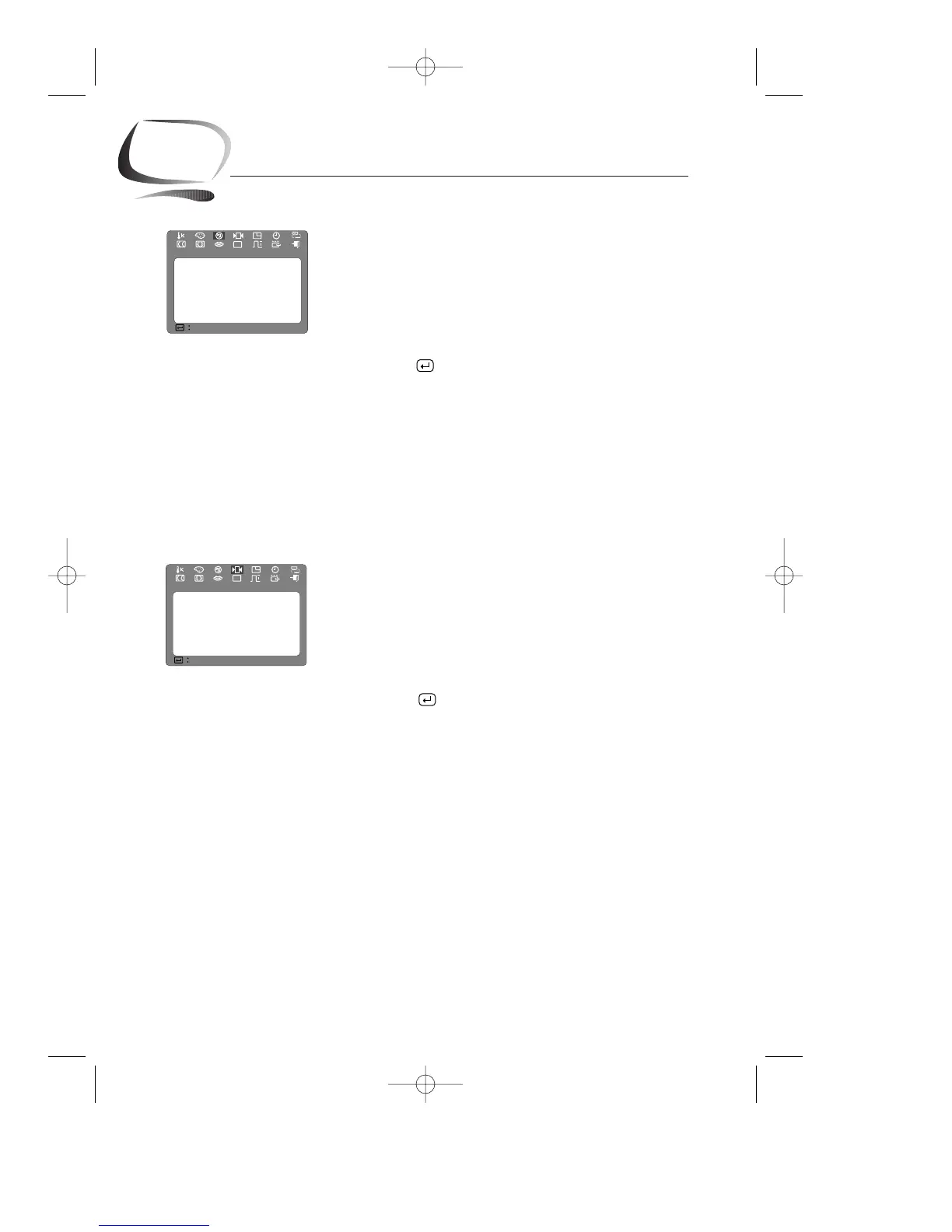
Push the $ button or % button until the “Degauss”
screen is displayed.
2
Push the button to execute the degauss function.
The degaussing screen will appear.
NOTE: The monitor may buzz momentarily, the image colors
may change and the image will jiggle for a few seconds.
These effects are normal.
3
After a few seconds, the degauss main menu will
return.
Recall
Use the recall feature to reset these monitor settings to their
original levels: position, size, pincushion, trapezoid,
parallelogram, pinbalance, rotation, and clear moire.
1
With the menu off, push the MENU button.
Push the $ button or % button until the “Recall”
screen is displayed.
2
Push the button to open the recall selection
screen.
3
Push the $ button to select “YES”.
If you don’t want to reset the monitor, use the %
button to select “NO”.
NOTE: If you have selected “YES”, all settings listed above
will be reset. All other settings will remain the same.
CAUTION: This operation resets all of the data in the user
memory area for the current timing signal.
Chapter Three: Adjusting Your Monitor










 To Next Page