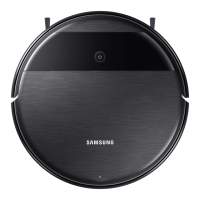
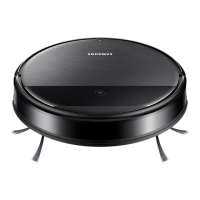
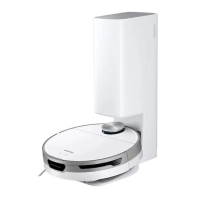
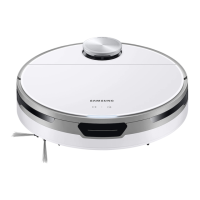
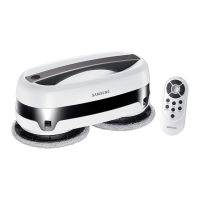
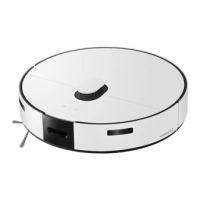
Jet Bot Combo
User manual
VR7MD97714* / VR7MD96514* Series
• Before operating this unit, please read the instructions carefully.
• For indoor use only
Wi-Fi MODEL
Connecting SmartThings
1. Launch the QR Code Reader app to scan the QR image attached to the product.
2. When the SmartThings app is running, tap ‘Add’ to connect the SmartThings app
to the product.
Registering the product / Reading the manual / Customer support
1. Launch the QR Code Reader app to scan the QR image attached to the product.
2. When the SmartThings app is running, press ‘Product support’.
3. Select ‘Product registration’, ‘Manual’ or ‘Customer support’.
* Product registration may not be available in all countries.
NON Wi-Fi MODEL
Registering the product / Reading the manual / Customer support
1. Launch the QR Code Reader app to scan the QR image attached to the product.
2. Select ‘Product registration’, ‘Manual’ or ‘Customer support’.
* Product registration may not be available in all countries.

 Need help?
 General







 To Next Page