160
Playing a DVD
TheprocedurestowatchaDVDtitlearedescribedbelow.
1
LaunchMediaCenter.
2
PresstheEjectbuttonoftheDVDdrivetoopen the
trayandinsertaDVDtitle.
Note
IfyouinsertaDVDtitlewithoutstartingMedia
Center,theAutoPlayselectionwindowappears.
Select
Play DVD Video using Media Center and
click
OK.
3
Afteramoment,theDVDmenuisdisplayed.
IttheDVDmenuisnotautomaticallydisplayed,
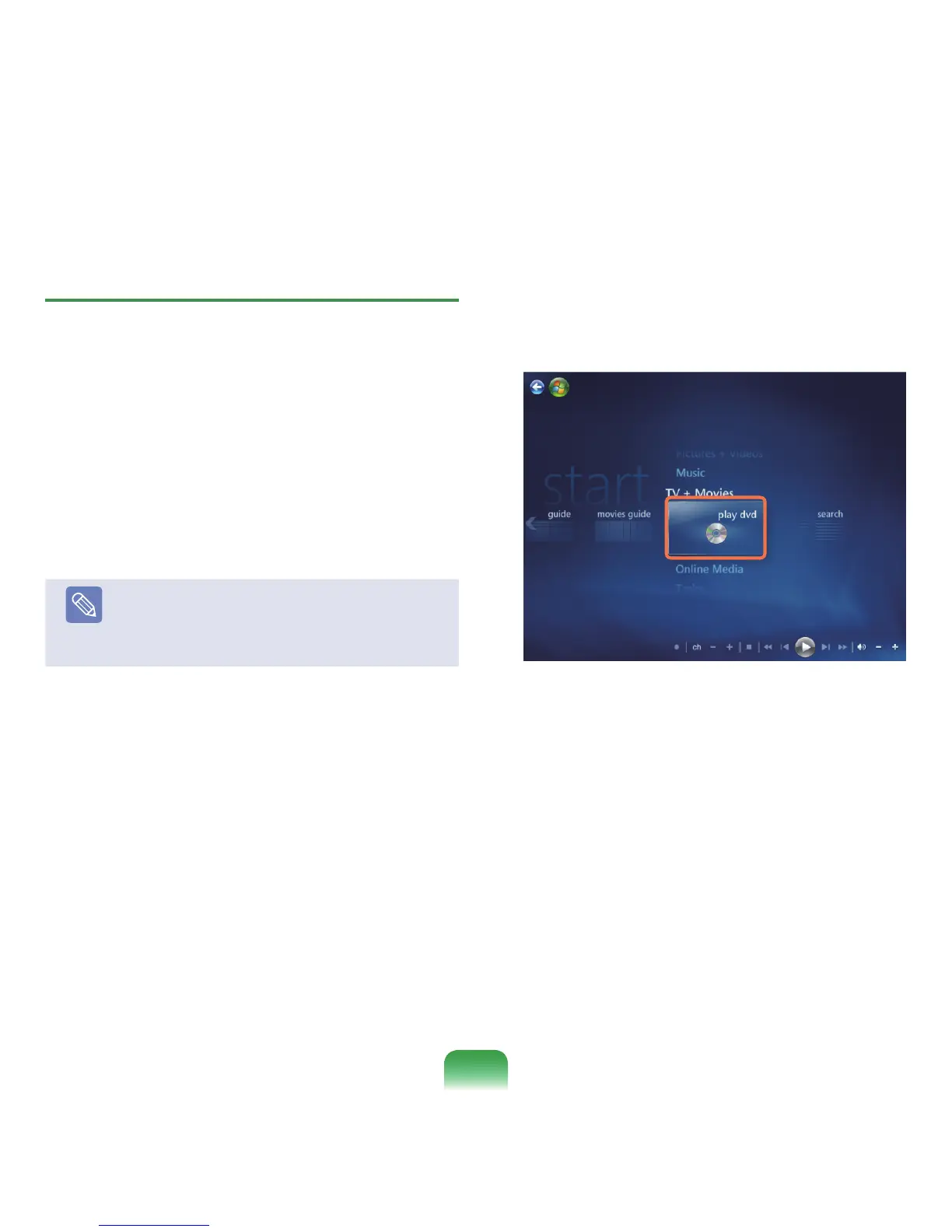
selectPlay DVDinthestartscreen.
4
SelectWatch Movie or PlayfromtheDVDmenu.
TheDVDtitleisplayed.
Ifyoumovethemouse,thePlayControlbuttons
appear.UsingthePlayControlbuttons,youcanplay
theDVDfromaparticularpointorstopplayingthe
DVD.



 To Next Page