A user card is an option SD card which you need to purchase additionally.
Before you use a user card it must be formatted. Note that formatting a user card erases all
saved data.
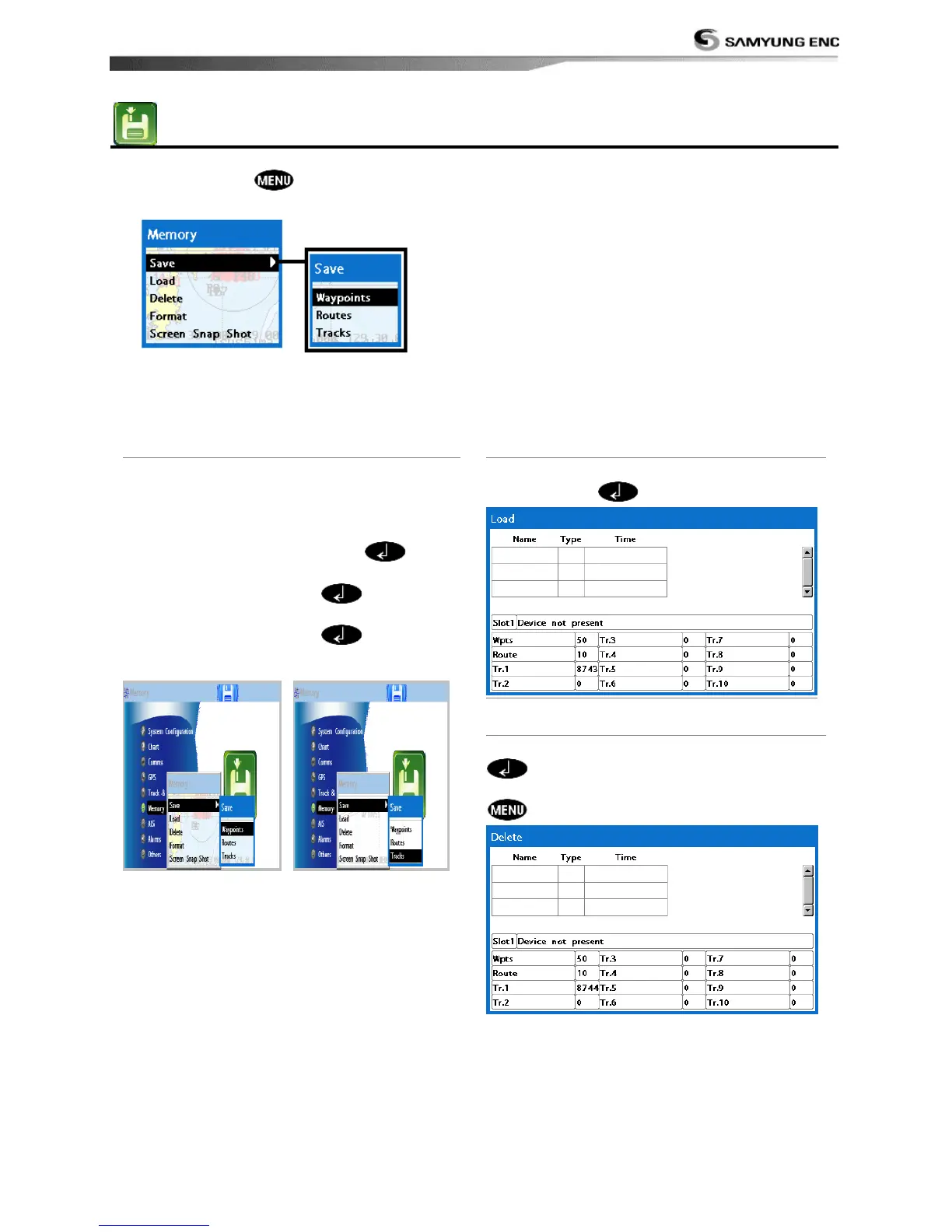
4-5-1 Save
Select a data type you want to save in the
user card then the data will be saved in the
user card automatically.
1 If you select waypoint for saving data,
enter the file name and press .
2 If you select routes for saving data, enter
the file name and press .
3 If you select tracks for saving data, enter
the file name and press .
[Waypoint] [Track]
4-5-2 Load
Select a data you want to road into the load
list then press .
4-5-3 Delete
Select a data you want to delete then press
.
Also, you can sort the file by name. Press
and select sort by name.



 To Next Page