EasyManua.ls Logo

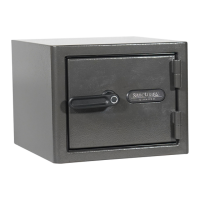
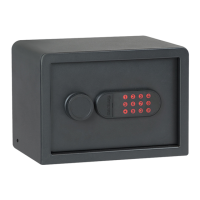
Sanctuary SA-PV2M - User Manual

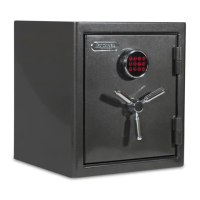
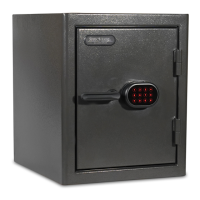
Sanctuary SA-PV2M
12 pages
Print Icon
To Next Page IconTo Next Page
Loading...
IMPORTANT:
Please read this information and follow all safety rules carefully before
operating your gun safe. Failure to do so will void your warranty.
072921
HOME & OFFICE SECURITY VAULTS
INSTRUCTION MANUAL FOR
SA-PV2M and SA-PV3L
Question and Answer IconNeed help?

Do you have a question about the Sanctuary SA-PV2M and is the answer not in the manual?

Summary

Disclaimer - Read Before Vault Setup

1. Registration

2. Understanding Your Vault

3. Initial Entry

4. Battery Installation

5. Electronic Lock Security Code Setup

6. Low Battery Warning

7. Silent Entry Mode

8. Lockout Mode; Tamper Protection

9. Locked Out of Your Vault

10. Proper Placement and Moving of Vault

11. Securing Your Vault

Securing Your Vault With Provided Cable

Instructions for securing the vault using the included security cable around a fixed object.

11. Securing Your Vault (Continued)

Tools and Hardware Needed to Secure Vault to a Wood or Concrete Surface

Details tools and hardware required to secure the vault to wood or concrete surfaces.

12. Maintaining Hinges and Internal Mechanisms

Three Year Warranty

Sanctuary SA-PV2M Specifications

General IconGeneral
ModelSA-PV2M
FireproofNo
WaterproofNo
Lock TypeElectronic
MaterialSteel
Battery TypeAA
MountingWall

Related product manuals