1
2
3
4
5
6
7
8
*
9
0
#
8
9. LOCKED OUT OF YOUR VAULT
8. LOCKOUT MODE / TAMPER PROTECTION
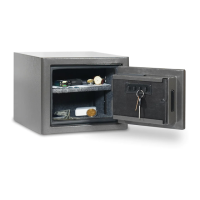
In the event you have forgoen the security code your primary acon will be to use
your backup keys in order to gain access to your vault. Follow steps 3, 4 & 5 to
reprogram your vault.
If you have lost your backup keys, you will need to contact customer service at the
number below. Proof of purchase is required to obtain keys.
Contact Customer Service at cs@saproducts.com or (888) 792-4264
10. PROPER PLACEMENT AND MOVING OF VAULT
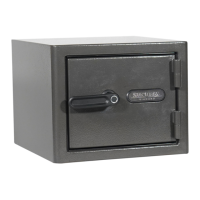
1. To maximize burglary protecon and stability, securing the vault to the floor or
wall is recommended.
2.
3. Always ensure the vault is in an isolated and dry area. Never place the vault
direct contact with a wet floor. When installing your vault on a concrete floor,
use of a moisture/protecve barrier is highly recommended. Failure to do so
or exposing the vault to chemicals or other adverse environments may void
the warranty.
SA Consumer Products recommends that you store your vault in a closet, office,
basement, bedroom or any other locaon tha
t is convenient for you but out of
direct line of sight from prying eyes.
1.
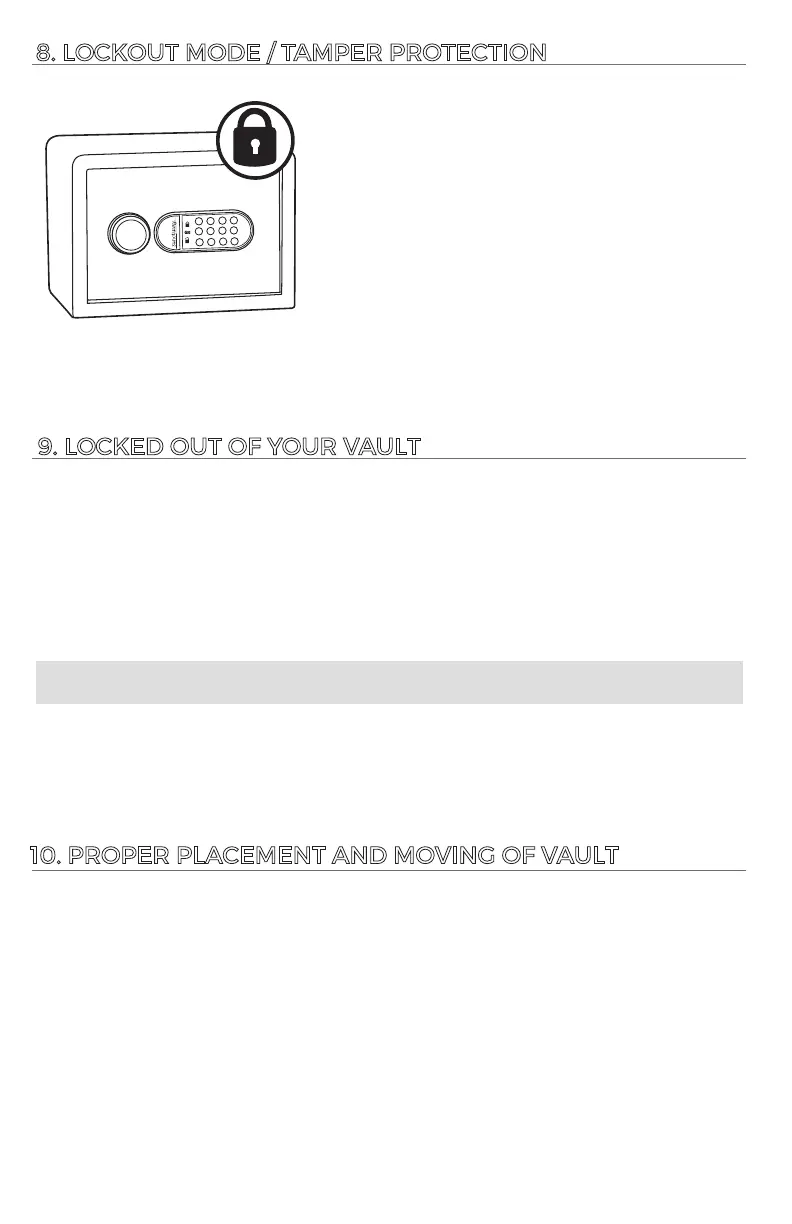
Three consecuve incorrect code entries will put
the vault in “Basic Lockout” mode. Touch pad is
deacvated for 30 seconds.
2.
Aer “Basic Lockout” mode has ended, another
three consecuve incorrect code entries will result
in “Severe Lockout” mode. Touch pad is deacvated
for 5-minutes.





 To Next Page