6
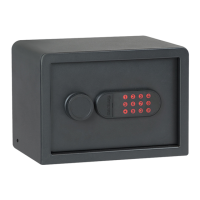
Important: Your vault comes with a factory preset code of 159#. It is necessary
to re-program your vault with a new security code you have personally selected
to provide maximum security. Be careful, in choosing your new security
code, you’ll want to be sure that you can operate the unit quickly without
making an error.
5. ELECTRONIC LOCK SECURITY CODE SETUP
3.
1.
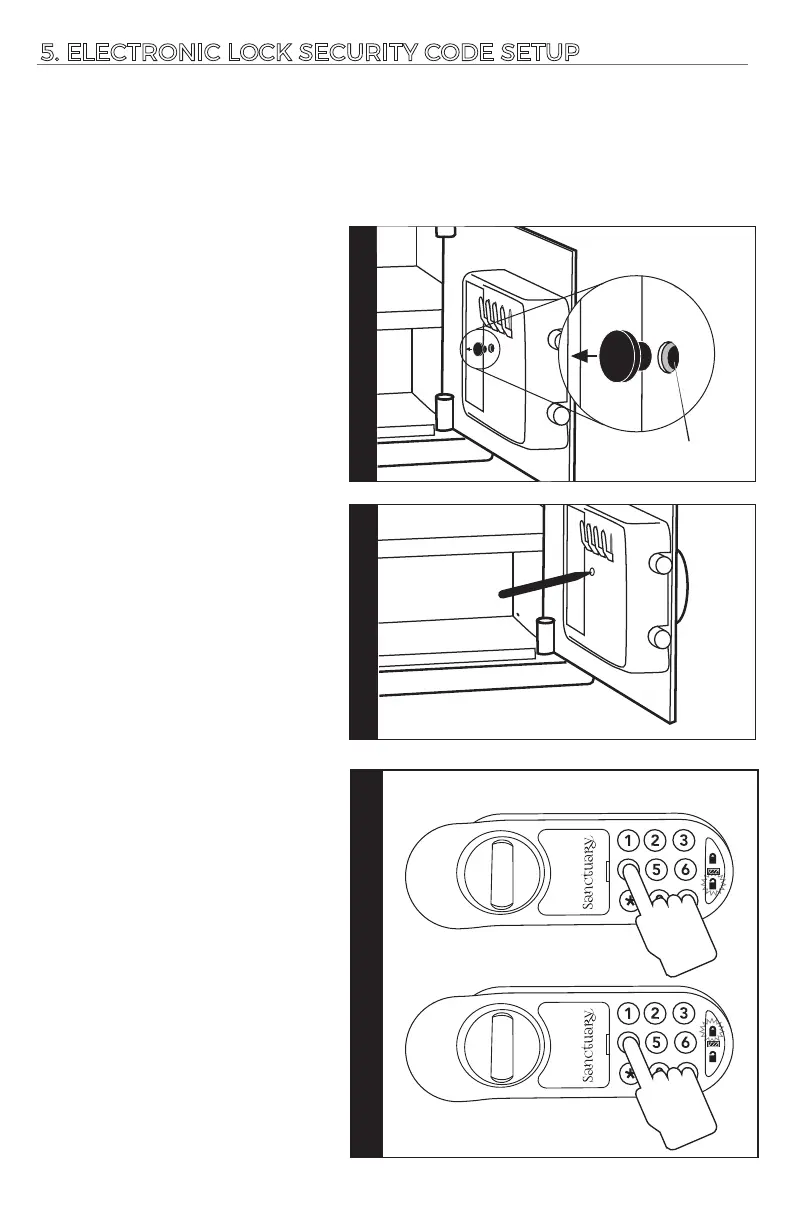
First, remove the black rubber
plug that covers the reset buon
on the door panel.
2.
Use a pen p to press the reset
buon. You will hear 1 beep and
the green unlock LED flashes
once.
NOTE: Recording mode will me out
aer 10 seconds of inacvity. If this
occurs press restart buon and
begin again.
Step 2
Step 1
Reset buon located
inside plasc housing
Step 1
Step 3
Input your new 3-8 digit code
followed by the (*) buon.
If successful, you will hear (2)
beeps and the green unlock
symbol will flash on your
keypad.
If unsuccessful, you will hear
(5) beeps and the red lock
symbol will flash on your
keypad. Press the reset buon
and start again.
Once your code is successfully
programmed, input your 3-8
digit code followed by the (#)
for access of your vault.
RED LOCK ICON = TRY AGAIN
GREEN UNLOCK ICON = SUCCESS!





 To Next Page