7
1
2
3
4
5
6
7
8
*
9
0
#
1
2
3
4
5
6
7
8
*
9
0
#
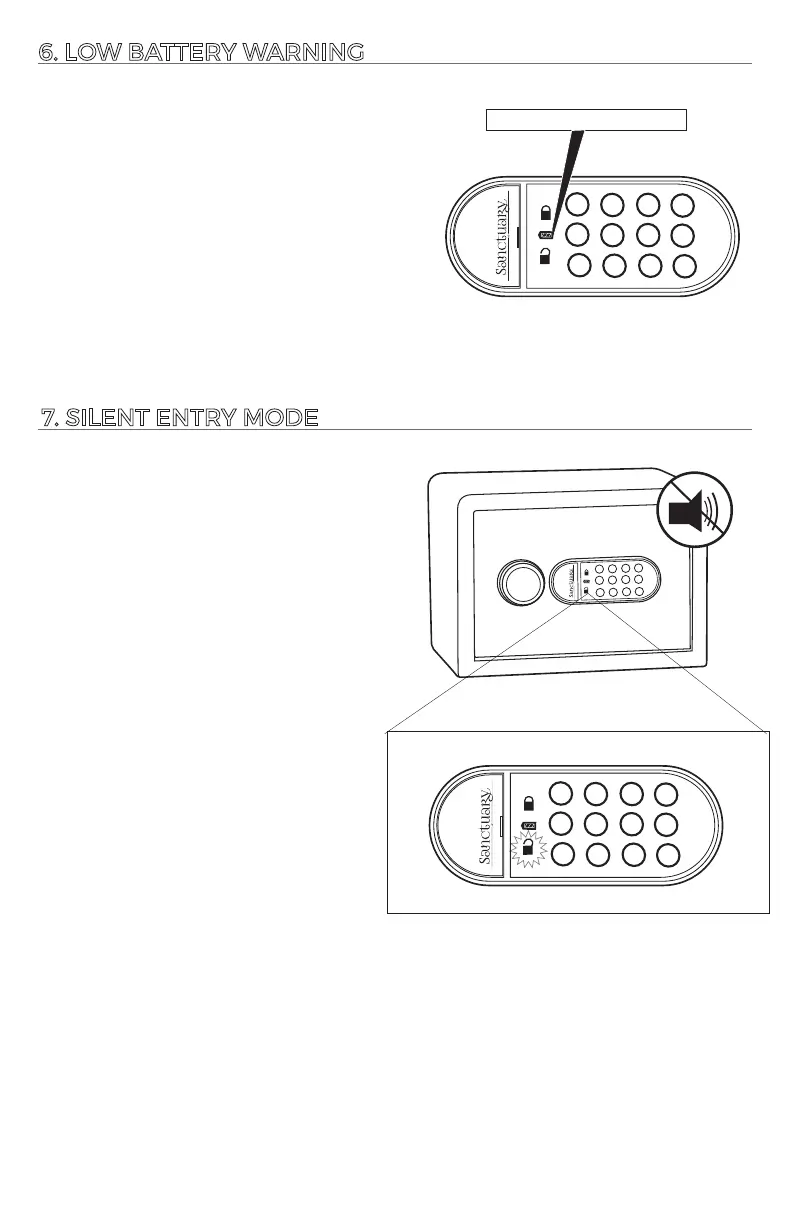
6. LOW BATTERY WARNING
7. SILENT ENTRY MODE
By acvang the silent entry mode, the
vault will no longer make audible
sounds.
To turn on silent entry mode, press and
hold the (*) buon for (3) seconds.
The green light will flash twice
indicang the vault is now in silent
entry mode.
To turn the sounds back on, press and
hold the (*) buon for (3) seconds, the
green light will flash twice, indicang
you are no longer in silentry mode.
1
2
3
4
5
6
7
8
*
9
0
#
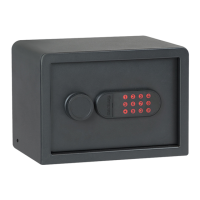
This electronic lock is equipped to alert
you when the baeries are low by
illuminang the orange light (center)
on the touch pad for 10 seconds any me
the touch pad is acvated.
Orange = Low Baery





 To Next Page