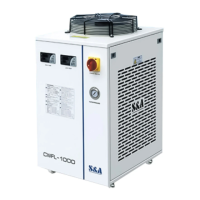
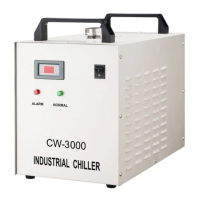
<4> Operation status and parameters
adjustment
Default setting of T-801B new model intelligent temperature controller is Intelligent
temperature mode ,water temperature is setting 25℃, customer could adjust the
temperature according to requirement.
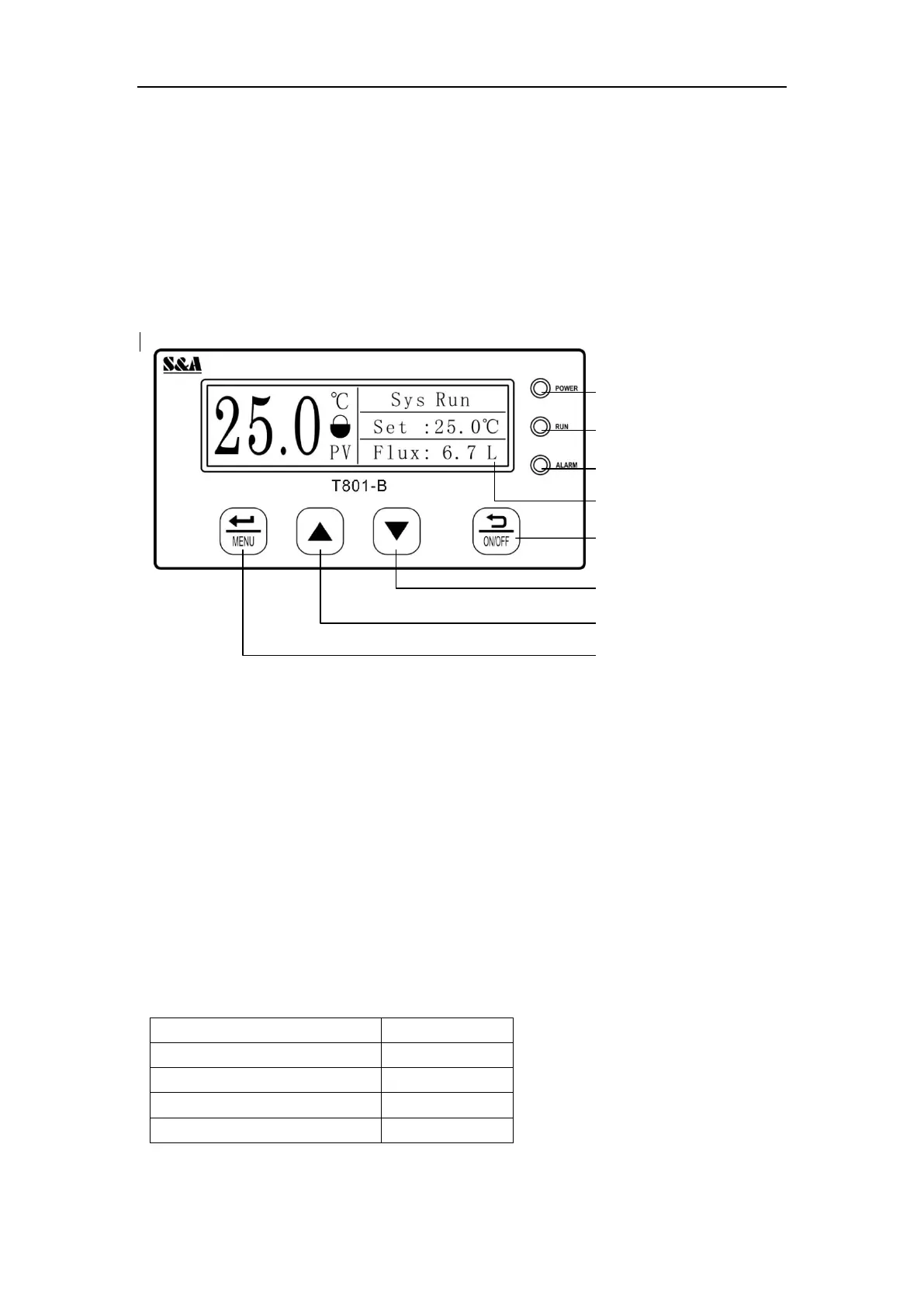
1.Temperature controller panel introduction
2. Power on / off operation
When the system is powered on, the power indicator is on, and press "on/off" to
control the system on and off. Press "on/off" to start the machine. Press "on/off"
for 5 seconds to turn off the machine.
3. Parameter setting
After pressing "menu" in the main interface, enter the main menu interface, press
"up" and "down" to select the sub-menu, press "menu" to enter the sub-menu, and
press "on/off" to return to the upper menu. After entering the root menu, press "up"
and "down" to adjust the parameter value, and press "menu" to save the parameter.
If the key is not pressed within 10 seconds during the setting process, it will
automatically return to the main interface.
(1)Password table


 To Next Page