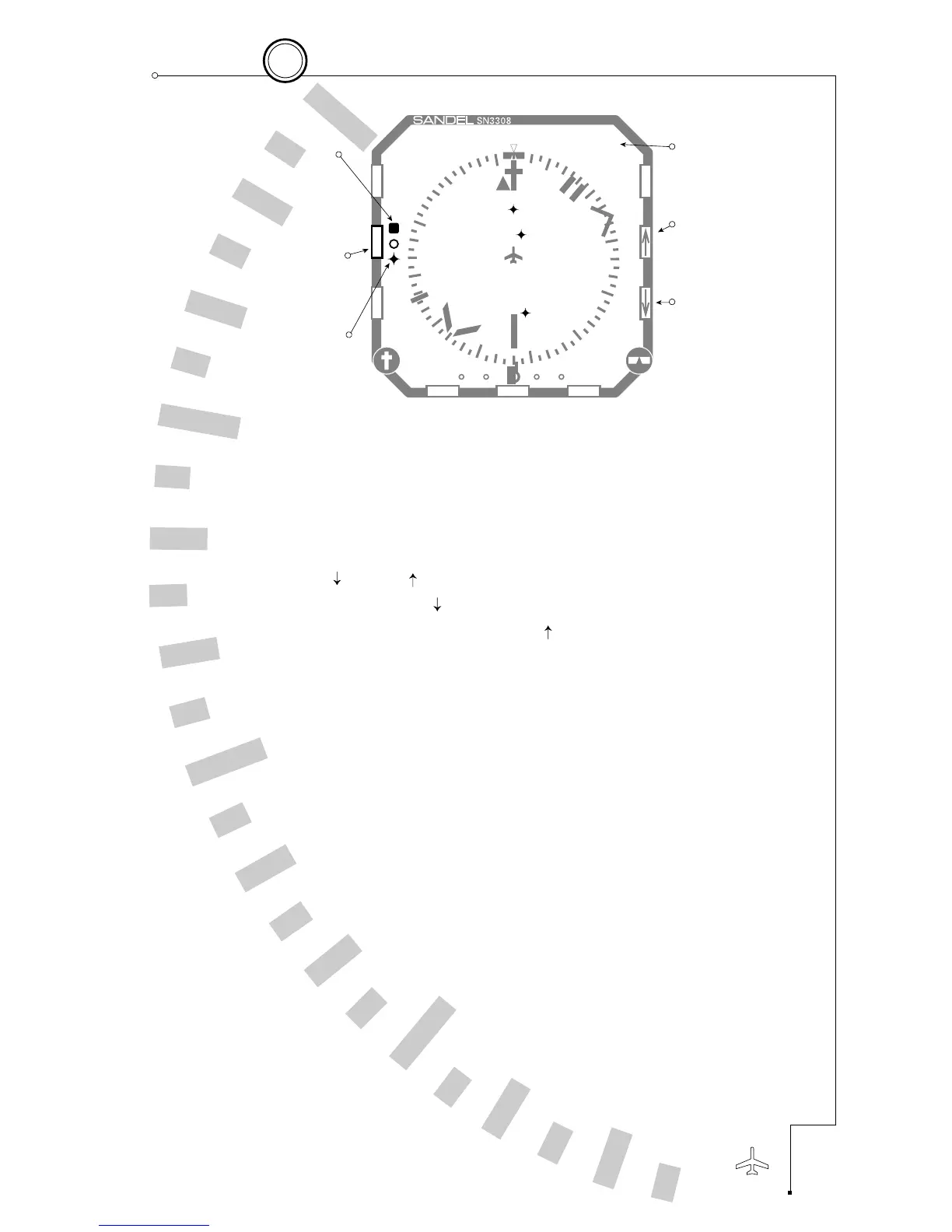
Map operations are controlled with the following buttons:
■
[MAP] – Press repeatedly to cycle through the map memories
including MAP OFF. Holding the [MAP] button will turn off
the map without cycling through the memory locations.
■
[ ] and [ ] – Press to zoom the map range in or out.
Holding the [ ] button auto-ranges to the current
waypoint and holding the [ ] button auto-ranges to the
end of the current flight plan.
■
[SHFT]>[MAP] – Accesses the map setup function and
allows enabling or disabling of various map items.
5-3
5
Enhanced Moving Map Features
CHAPTER



 To Next Page