EasyManua.ls Logo

Sansui AU-6500 - Component Connection Guide; Amplifier Operating Procedure

Sansui AU-6500
27 pages
Print Icon
To Next Page IconTo Next Page
To Previous Page IconTo Previous Page
Loading...
Connecting
Speaker
Systems
If
you
are
connecting
only
one
pair
of
speaker
systems
to
the
AU-6500,
they
may
have
any
im-
pedance
from
4
to
16
ohms.
Connect
them
to
the
SYSTEM-A
or
-B
terminals
on
the
rear,
making
sure
not
to
confuse
the
left
and
right
cables,
plus
and
minus
leads
on
the
amplifier
and
speaker
ends.
But
if
you
wish
to
connect
two
pairs
of
speaker
systems
and
drive
them
simultaneously
by
turning
the
Power/Speakers
Switch
to
A+B,
each
speaker
system
should
have
impedance
of
8
to
16
ohms.
Using
a
system
with
lower
impedance
could
result
in
a
breakdown
of
the
amplifier.
Connecting
a
Turntable
Connect
it
to
the
PHONO
1
or
2
terminals
on
the
rear.
Fot
best
results,
use
a
turntable
with
a
magnetic
pickup
cartridge.
Connecting
a
Tuner
Connect
the
output
terminals
of
a
tuner
to
the
TUNER
input
terminals
on
the
amplifier’s
rear
panel.
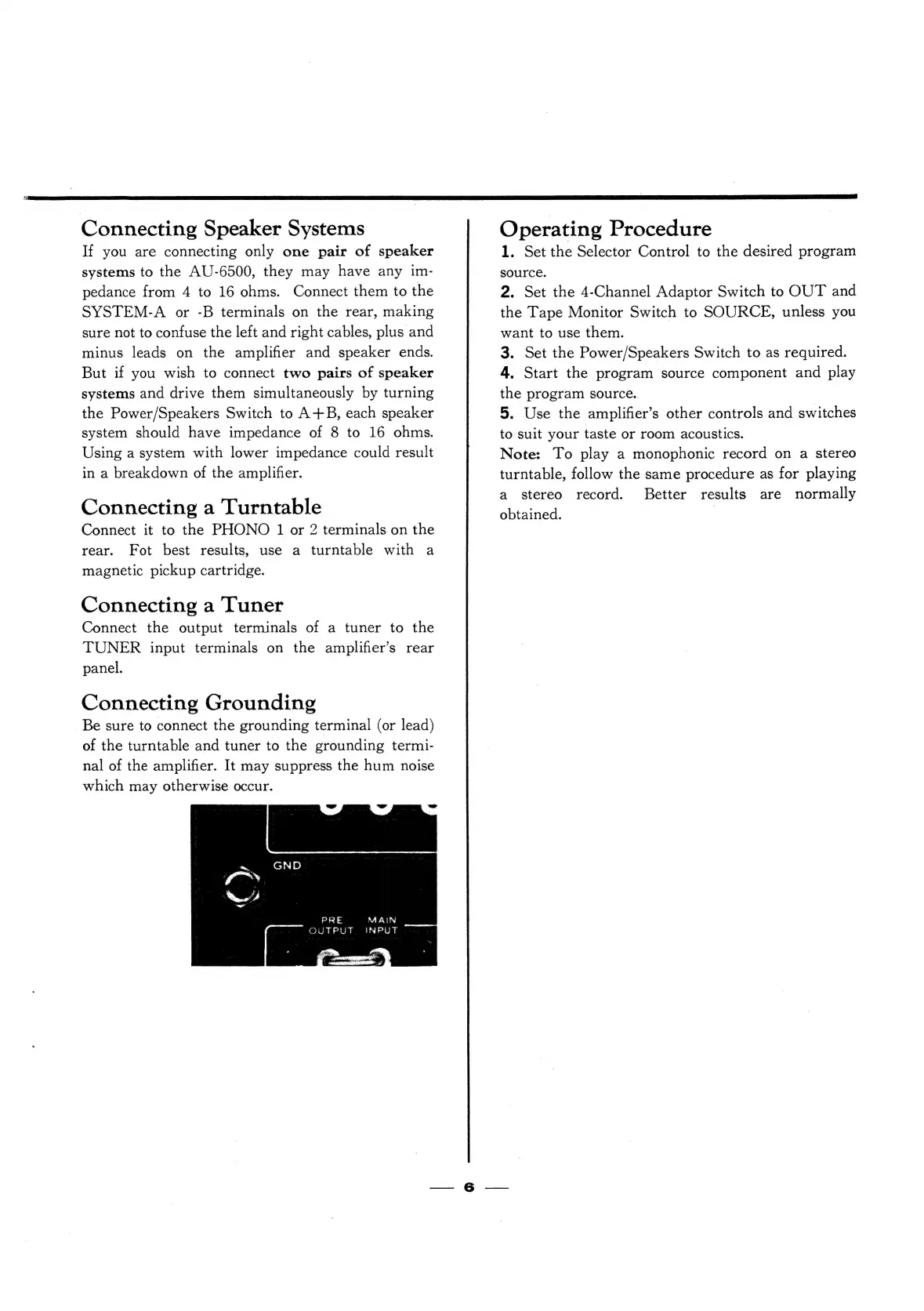
Connecting
Grounding
Be
sure
to
connect
the
grounding
terminal
(or
lead)
of
the
turntable
and
tuner
to
the
grounding
termi-
nal
of
the
amplifier.
It
may
suppress
the
hum
noise
which
may
otherwise
occur.
PRE
MAIN
OUTPUT
INPUT
Operating
Procedure
1.
Set
the
Selector
Control
to
the
desired
program
source.
2.
Set
the
4-Channel
Adaptor
Switch
to
OUT
and
the
Tape
Monitor
Switch
to
SOURCE,
unless
you
want
to
use
them.
3.
Set
the
Power/Speakers
Switch
to
as
required.
4.
Start
the
program
source
component
and
play
the
program
source.
5.
Use
the
amplifier’s
other
controls
and
switches
to
suit
your
taste
or
room
acoustics.
Note:
To
play
a
monophonic
record
on
a
stereo
turntable,
follow
the
same
procedure
as
for
playing
a
stereo
record.
Better
results
are
normally
obtained.
|

Related product manuals