Picture Menu
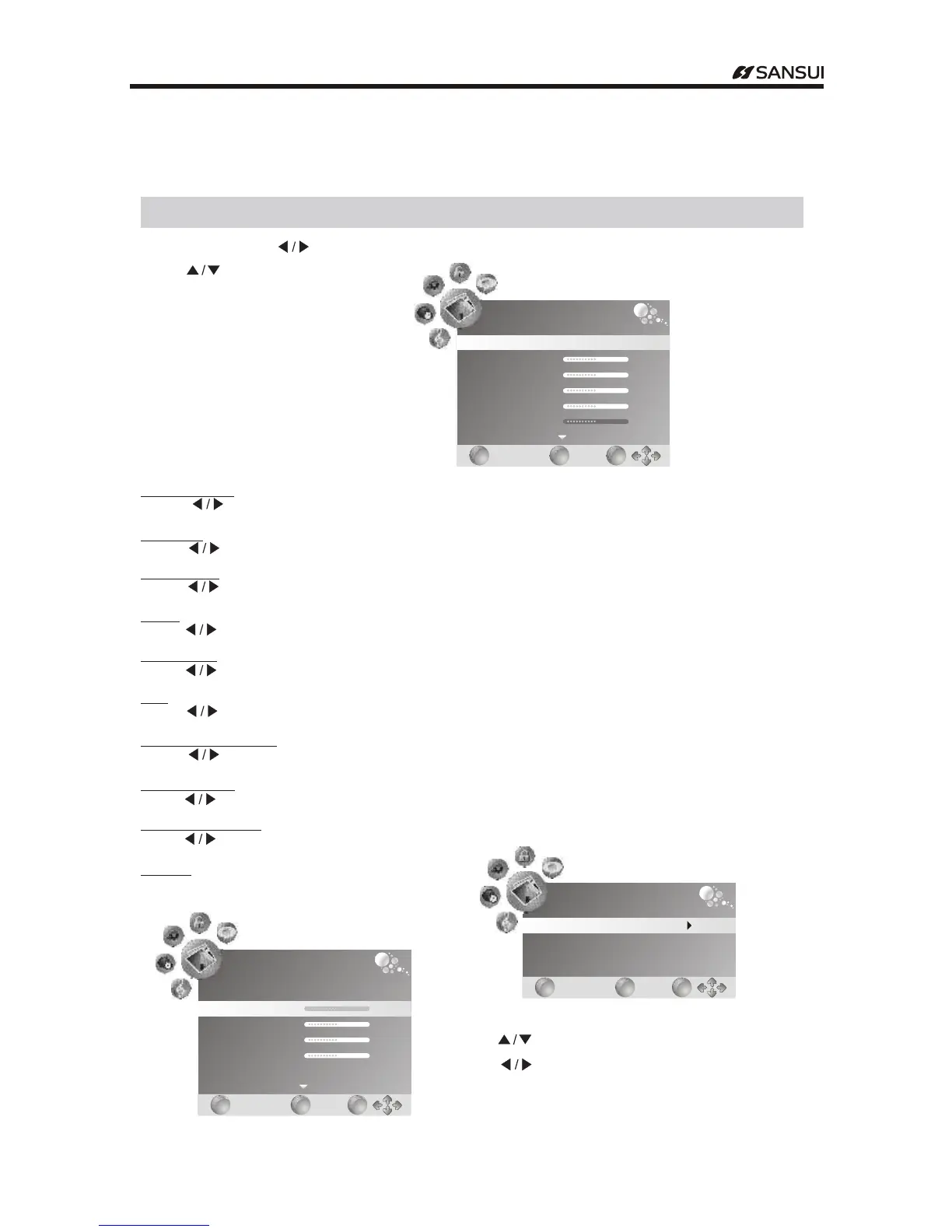
Press "MENU" .and " "buttons to select the PICTURE MENU
Press .to" "button select items
Menu Operation
PICTURE
Picture Mode
Contrast
Brightness
Color
Sharpness
Tint
Standard
50
50
50
50
0
EXIT
EXIT
MENU
MENU
OK
OK
Picture Mode
Press button to select among Dynamic Standard Mild and User modes, , ." "
Contrast
Press button to adjust the contrast of the picture.
Brightness
Press button to adjust the brightness of the picture.
Color
Press button to adjust the color saturation.
Sharpness
Press button to adjust the sharpness level of the picture.
Tint
Press button to adjust the tint of the picture NTSC ONLY.( )
Color Temperature
Press button to select among medium warm and cool, .
Aspect Ratio
Press button to 16:9,4:3,Auto,Zoom2,Zoom1 select the ratio of the screen.
Noise Reduction
Press button to turn on off Weak,Middle,Strong,Auto the function of noise reduction/ .
Screen ( - )only available in PC RGB mode
Press buttons to enter the submenu." "
" "
" "
" "
" "
" "
" "
" "
" "
PICTURE
Screen
EXIT
EXIT
MENU
MENU
OK
OK
Press to ." button select items"
Press to adjust it." button"
Press EXIT to exit.button
""
PICTURE
Auto Adjust
Vertical Pos
Size
Phase
Horizontal Pos.
50
50
0
50
EXIT
EXIT
MENU
MENU
OK
OK
- 14 -
Operating Instructions



 To Next Page