A2 Automatic Dispenser V3.0 5
Before installation and maintenance, must cut off the power supply and unplug from outlet.
Do not unplug by pulling on cord. To unplug, grasp the plug, not the cord.
Do not operate any appliance with a damaged cord or plug, or after the appliance malfunctions or is dropped or
damaged in any manner. Contact the nearest authorized service facility for examination, repair, or electrical or
mechanical adjustment.
Do not lengthen the power line.
Do not operate the machine in case the machine shell is removed.
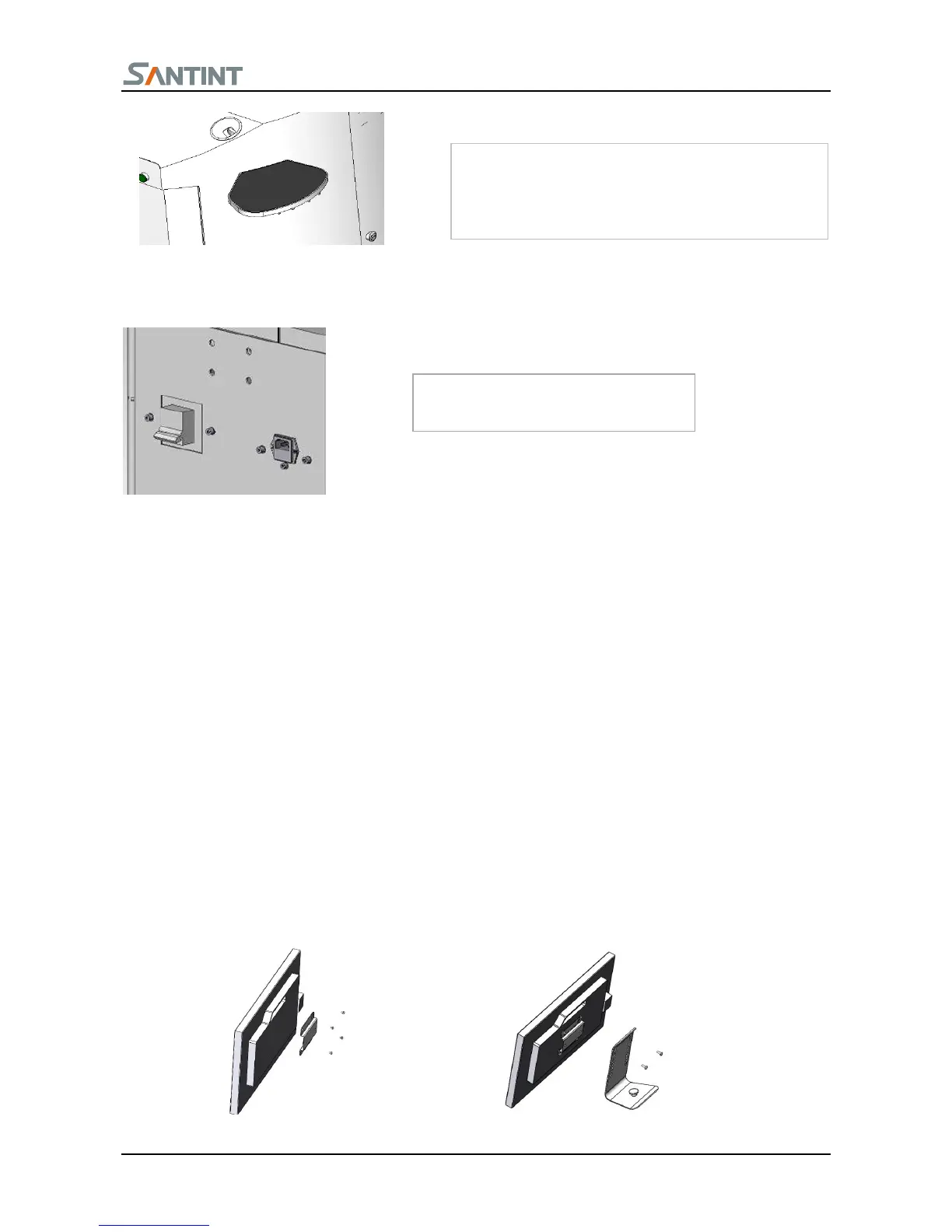
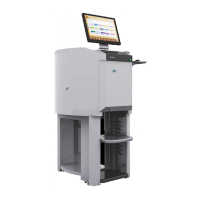
Unpack the carton, locate the computer on the bottom plate under the dispenser.
Locate the keyboard and the mouse on the top of the machine.
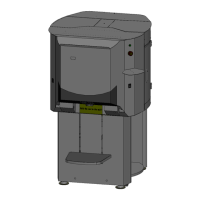
Install the monitor


 To Next Page