6
05
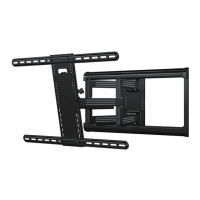
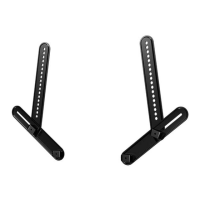
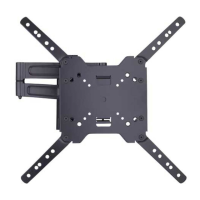
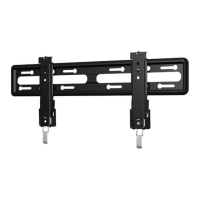
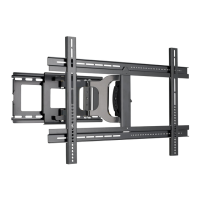
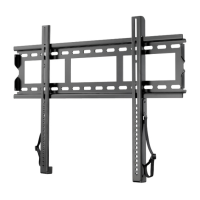
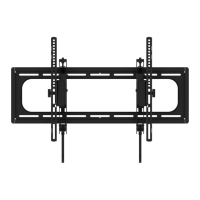
TV Bracket
TV Bracket TV Bracket TV Bracket
TV Bracket
a
b
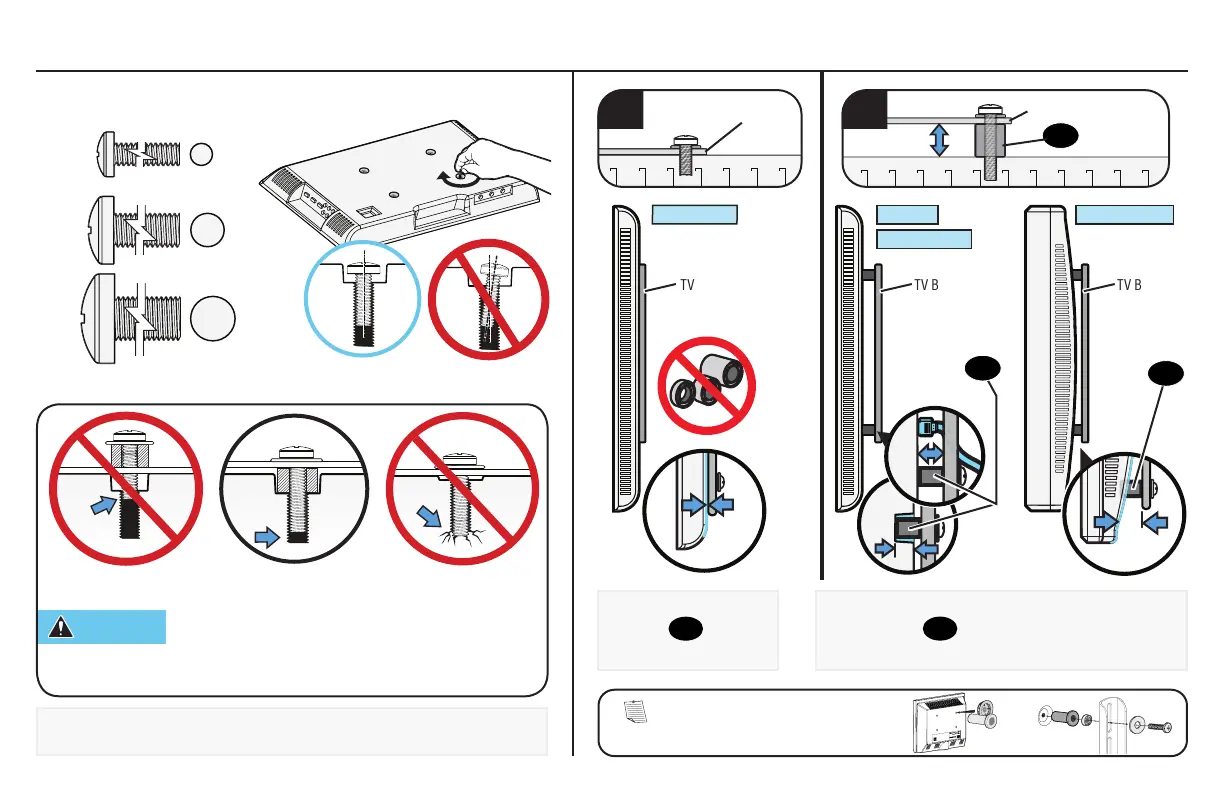
CAUTION: Verify adequate thread engagement with your screw/
washer/spacer combination AND the TV brackets (STEP 1.2).
TOO SHORT will not hold the TV and TOO LONG will damage the TV.
M6
M8
1.1 Select TV Screws
Determine which screw diameter (M4, M6, or M8) fits the four
mounting holes on the back of your TV.
1.2 Determine Spacer Need
Too Short Correct Too Long
Round BackCables
Inset Holes
Flat Back
For
flat-back TVs,
no
spacers
05
are
required.
For rounded-back TVs, cable interference or inset
holes, spacers
05
to create extra space between the
TV and TV bracket.
M4
05
05
NOTE: If your TV included inset spacers or adapters,
use them UNDER the mount hardware.


 To Next Page