Instruction Manual for MiniTRACE CSDF
--------------------------------------------------------------------------------------------------------------------------------------------------------------------------------------------------------------------------------------------------------------------------------------------------------------------------
--------------------------------------------------------------------------------------------------------------------------------------------------------------------------------------------------------------------------------------------------------------------------------------------------------------------------
Page 26 08/2012
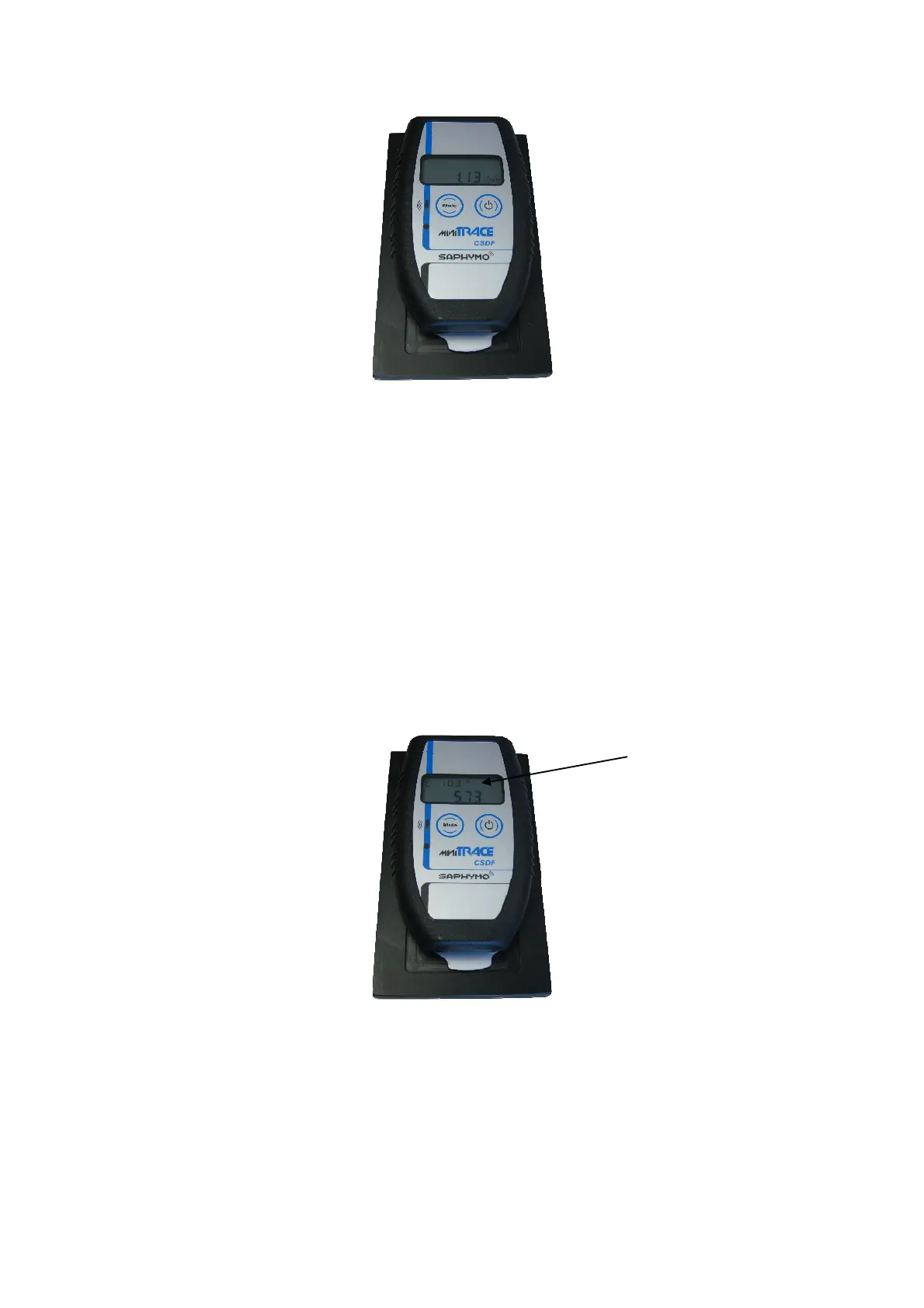
Figure 25: Dose rate of the test source
To use the test source to check the MiniTRACE, do the following:
1. Open the lid and position the MiniTRACE CSDF in the measurement device.
2. Select the “CMEAN” menu (mean value of the count rate).
3. Measure the environmental background for approx. 60 minutes.
4. Put the test source in the measurement device.
5. Open the lid and position the MiniTRACE CSDF in the measurement device.
6. Select the “CMEAN” menu (mean value of the count rate).
7. If you use the “CMEAN” mode you will see the statistical uncertainty in the
upper left corner. We recommend measuring to a value of less than 3 %
statistical uncertainty; see Figure 26.
8. Subtract the count rate for the environmental background from the value you
got with the source.
9. Record the final result.
Figure 26: “CMean” menu
[cps] valuebackground - [cps] value total[cps] net value =
You will need to carry out this procedure when the MiniTRACE is first delivered and then
every six months.
Alternatively, you can also do it with the “RMean” menu.
3%
uncertainty


 To Next Page