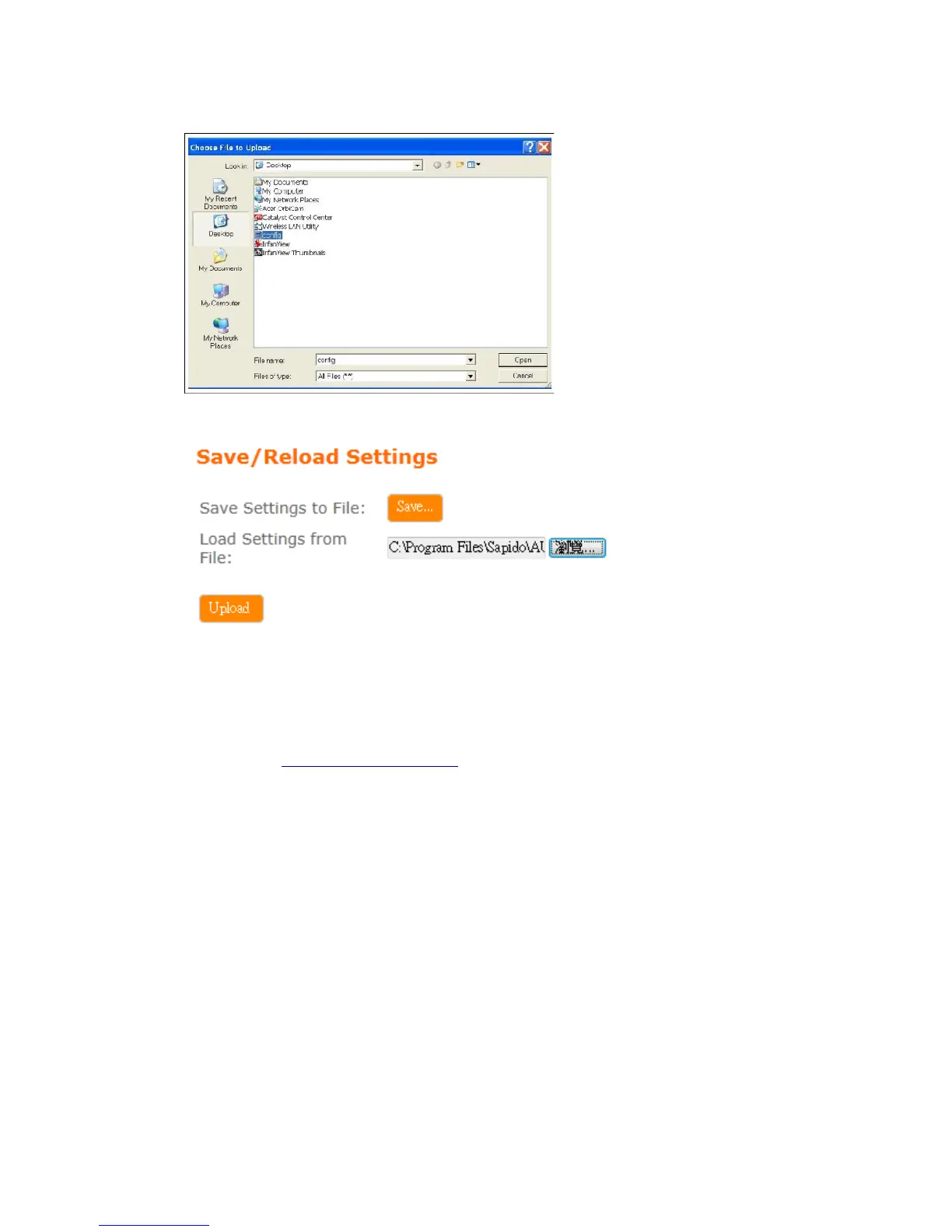
(2). Click Upload to upload configuration file to BRC76N .
(3). After 60 seconds, BRC76N will reboot automatically.
5.6.7 Remote Management
Please refer Remote Management
5.6.8 Time Zone
Users can synchronize the local clock on the router to an available NTP server
(optional). To complete this setting, enable NTP client update and select the correct
Time Zone.



 To Next Page