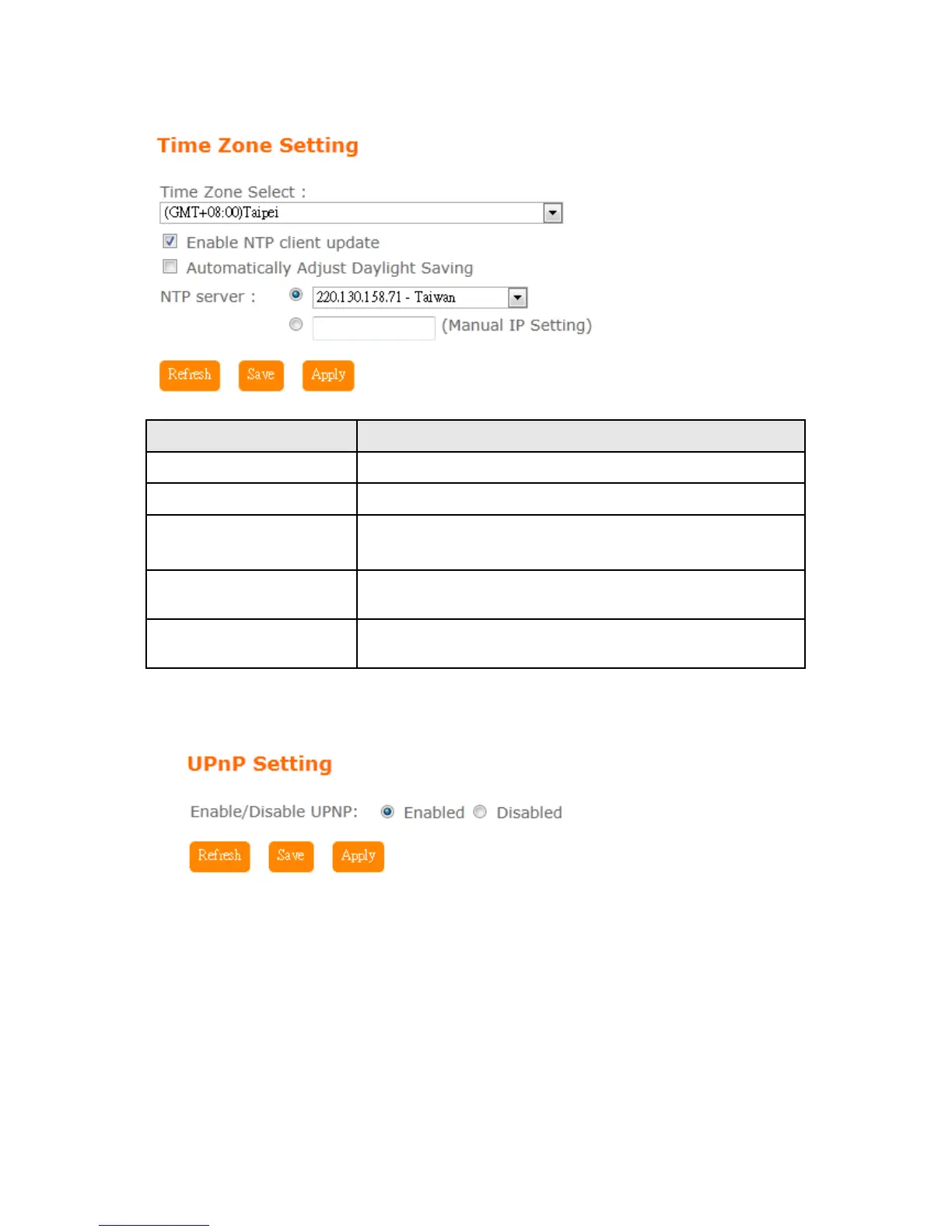
Item Description
Time Zone Select Please select the time zone.
Enable NTP client update Please select to enable NTP client update or not.
Automatically Adjust
Daylight Saving
Please select to enable Automatically Adjust Daylight Saving or
not.
NTP Server Please select the NTP server from the pull-down list, or you can
enter the NTP server IP address manually.
Save & Apply Click on Save to save the setting date, the Apply button for
execute current configuration.
5.6.9 UpnP
UPNP
Universal Plug and Play (UPnP) is a standard of networking protocols
promulgated by the UPnP Forum. The goals of UPnP are to allow devices to
connect seamlessly and to simplify the implementation of networks in the
home (data sharing, communications, and entertainment) and in corporate
environments for simplified installation of computer components. BRC76N
supports UPnP function, and can cooperate with other UPnP devices. When
you activate UPnP, please click My Network Places. Users will see an Internet
Gateway Device icon. By click the icon, users can enter the GUI of the router.



 To Next Page