51
The Sapling Company, Inc.
670 Louis Drive
Warminster, PA 18974
USA
P. (+1) 215.322.6063
F. (+1) 215.322.8498
www.sapling-inc.com
51
The Sapling Company, Inc.
670 Louis Drive
Warminster, PA 18974
USA
P. (+1) 215.322.6063
F. (+1) 215.322.8498
www.sapling-inc.com
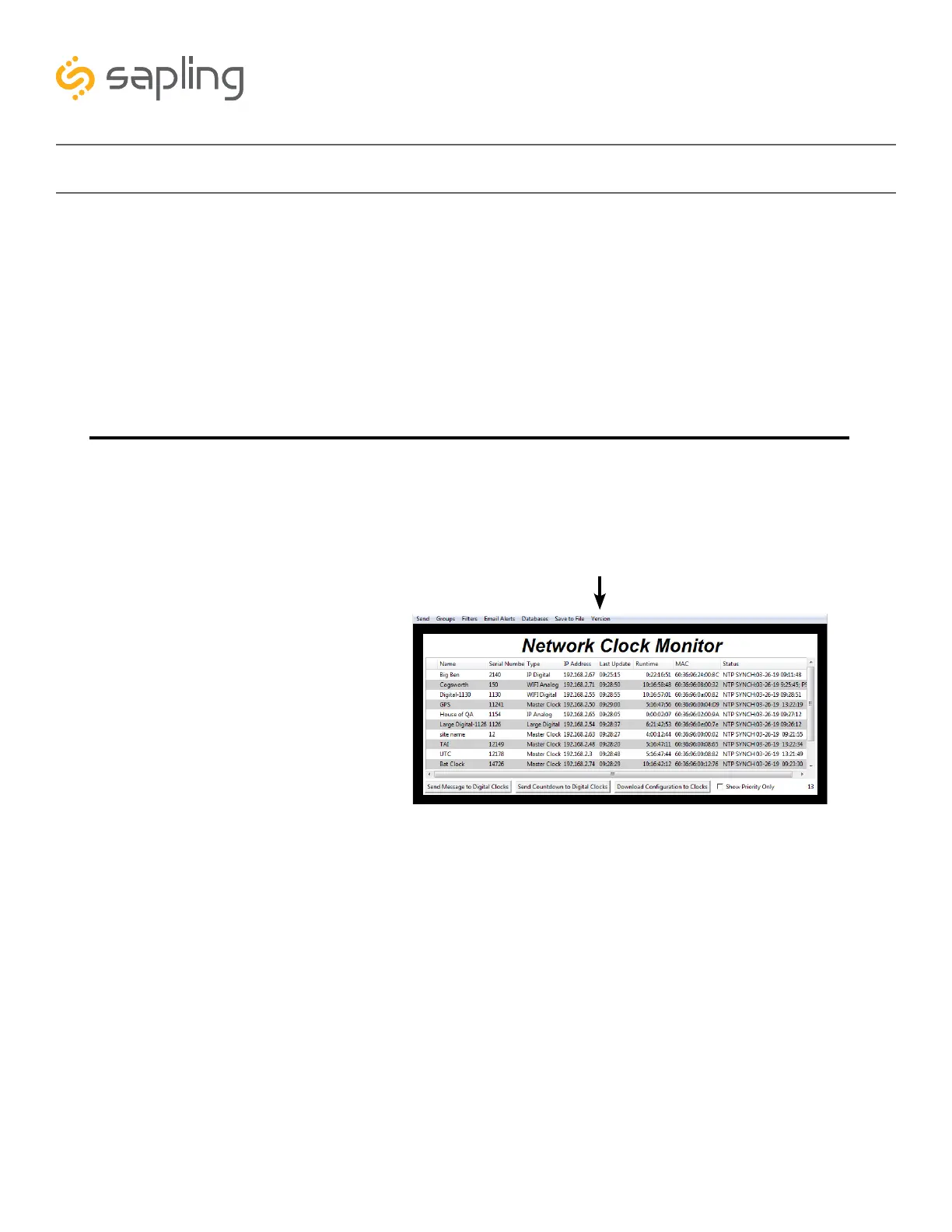
Network Monitor Software - Error messages
1. Characters are Red - When the characters of a clock have turned red, then the clock has not sent its
status within the last 10 minutes.
2. Characters are Gray - When the characters of a clock have turned gray, then the clock was once
displayed on the Network Monitor, but upon launching the Network Monitor program this most recent
time, the clock cannot be found on the network.
3. Characters are Black - When the characters of a clock are black, this means that the clock is
working normally.
The CFA and CFL versions of the Monitor cannot run at the same time. If managing Wi-Fi clocks
and IP clocks at the same time, use the CFA Network Monitor instead of the CFL Network Monitor. Be
aware, not all features on the CFA Monitor will function on IP-LAN clocks.
You can check if you have the CFA or CFL version by clicking on “Version” at the top of the monitor
window.



 To Next Page