27
Editing heating program schedules
When the thermostat is turned on and you’ve selected the desired program mode in the advanced thermostat settings,
wake up the screen and hold the for at least 5 seconds to enter editing mode for heating program schedules.
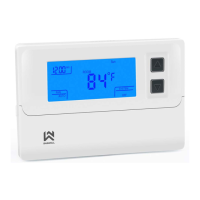
Editing instructions: Button moves through the options (day, hour of the switch, set temperature, next switch or
day,…) , buttons and are used for changing the values. There is also a symbol shown on the right of the screen
of which program are you currently editing (screen description 11).
When you enter the edit mode, you see blinking day or days (display description 1). If you want, you can move on to
editing the highliglited day or days or change the current days that are blinking by pressing or . To move into
editing selected day values (switches that will happen during selected day or days) by short pressing button . Now
you’re editing the time when this switch will start.Change the values and press the button again. Now you’re editing
the set temperature. Now you’ve already made the first program change! You can move to edit the next programs the
same way
Default heating program schedule tables
Table 1 (7 days, 4 switches)
Heating
2-Away
4-Night
:
:
:
:
:
:
:
:
:
:
:
:



 To Next Page
 Loading...