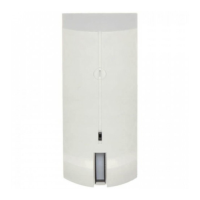
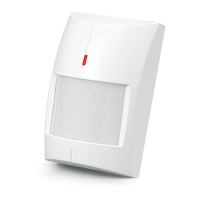
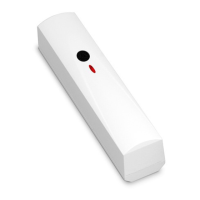
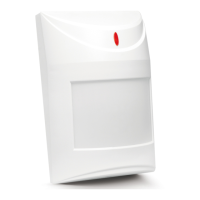
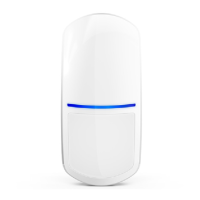
SATEL GRAPHITE 7
6. Start-up and walk test
The LED indicator should be enabled during the walk test (see “LED indicator”).
1. Power on the detector. The LED will be flashing for 30 seconds to indicate warm-up of the
detector.
2. When the LED stops flashing, check if moving within the detector coverage area will make
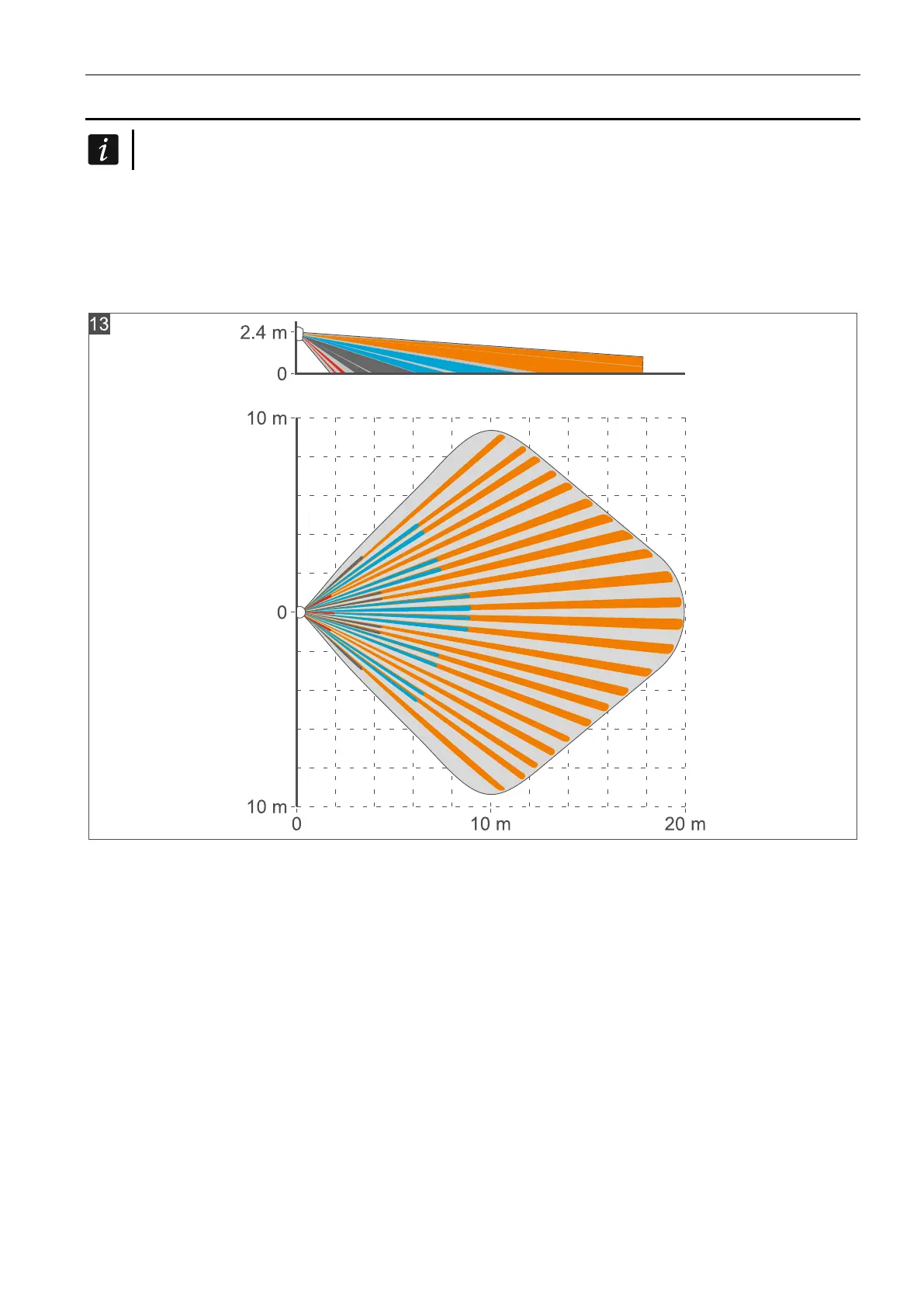
the LED to light up. Figures 13 and 14 show the maximum coverage area of a detector
installed at a height of 2.4 m (Fig. 13 – pet immunity option disabled, Fig. 14 – pet
immunity option enabled).


 To Next Page