Product Introduction
12
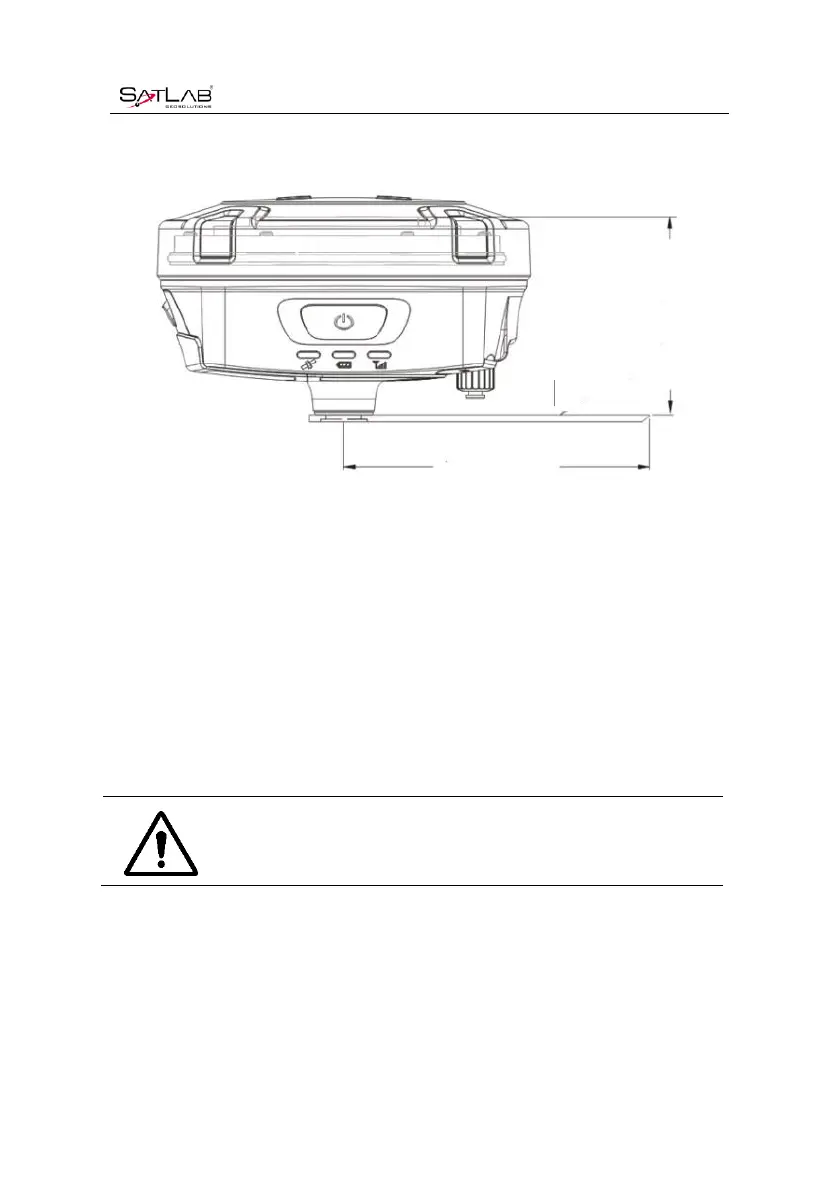
0.1018m high.
Figure 2-3-1 Benchmark Sketch
3. Record point name, receiver S/N, receiver height, beginning time.
4. Press power button to power on and double click power button to set static collecting mode;
then single click power button to confirm it.
5. After the measurement is completed, turn off the machine and record the shutdown time.
6. Download and process data.
Notice: Don’t move the tri-brach or change the collecting set while the
receiver is collecting data.
2.3.2Static datastorage
The collected GNSS static data is stored in the static drive letter in the 8GB storage of the
SL700 receiver (effective storage space is about 6.6GB). There are three folders: log, gnss and



 To Next Page