Accessories and Interfaces
26
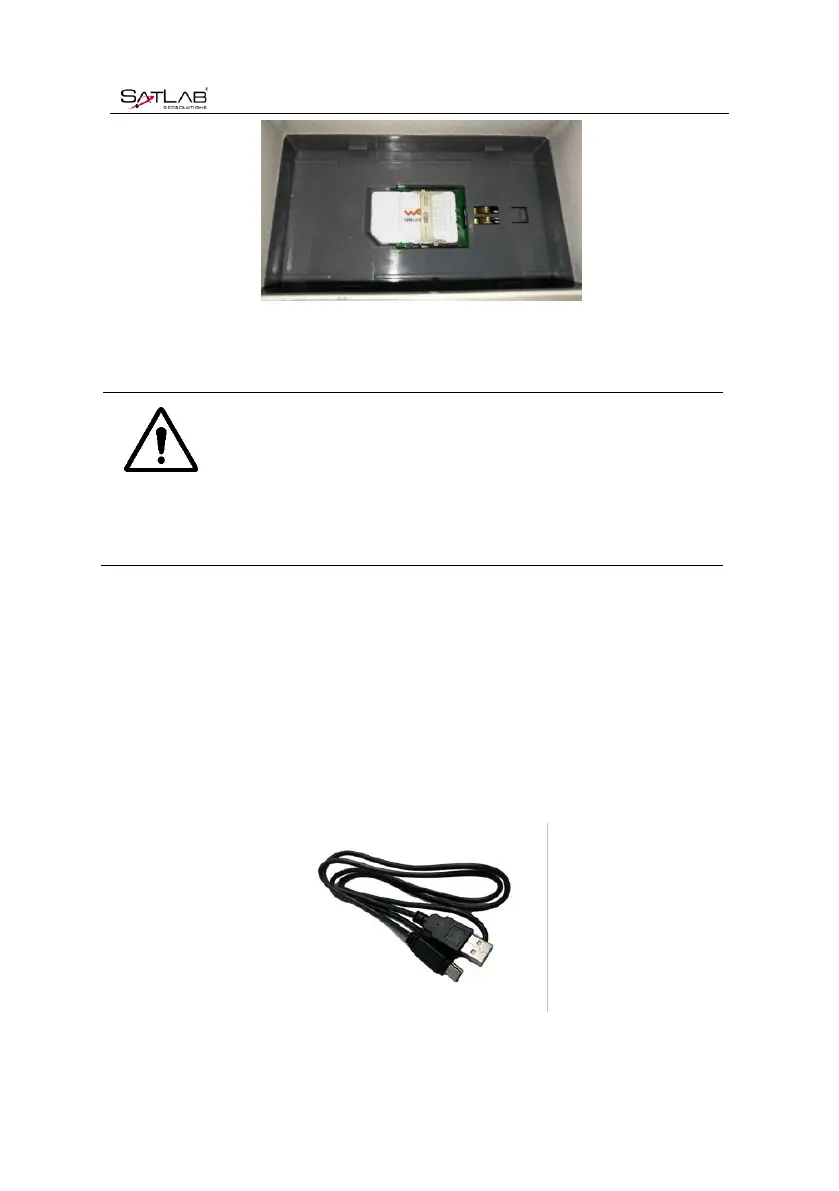
Figure 4-1-2 Installation
4. The entire SIM card is placed in the card slot. The installation is completed.
Notice: The receiver must be powered off before installing the card! If
the SIM card is installed in the power on state, the receiver will
not be able to detect the SIM card, and the setting of working
mode is invalid!
4.2Data cable
1.The Mini USB cable has a standard USB interface on one end and a Mini USB interface on
the other end; it is used for connection between the host and external devices for data
transmission.
Figure 4-2-1Mini USB Data Cable



 To Next Page