Product Introduction
14
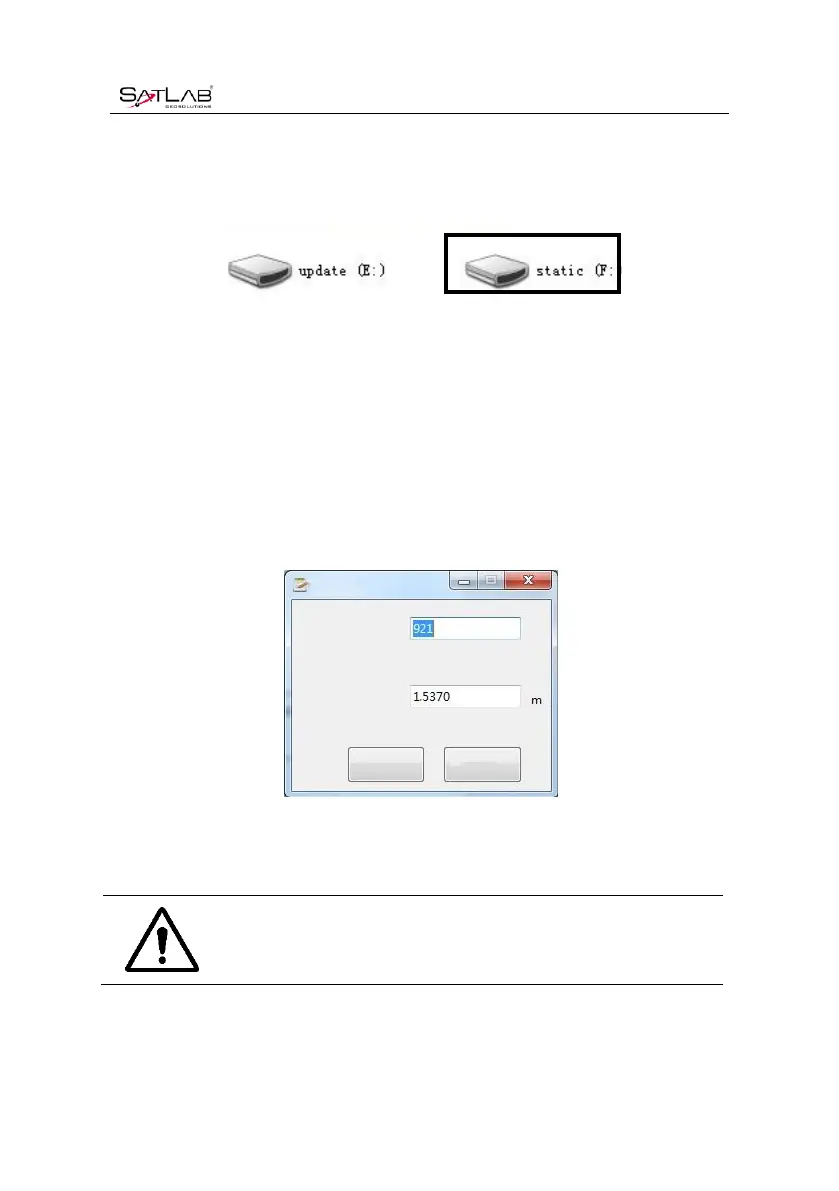
Connect the receiver with computer by the Mini USB data cable. After the connection, a static
code appears in the computer, then copy the collected static files out byopening the disk.
Figure 2-3-3 Static Drive
After downloading, steps of editing the point name and antenna height are:
1. Select *.GNS static files, double click the mouse;
2. Pop up the Document Edit dialog box, edit the pointname and input the antenna height, then
click OK
Figure 2-3-4 Edit File
Notice: Static files in removable disks can not be deleted directly, we can use
controller software to conduct.



 To Next Page