Accessories and Interfaces
30
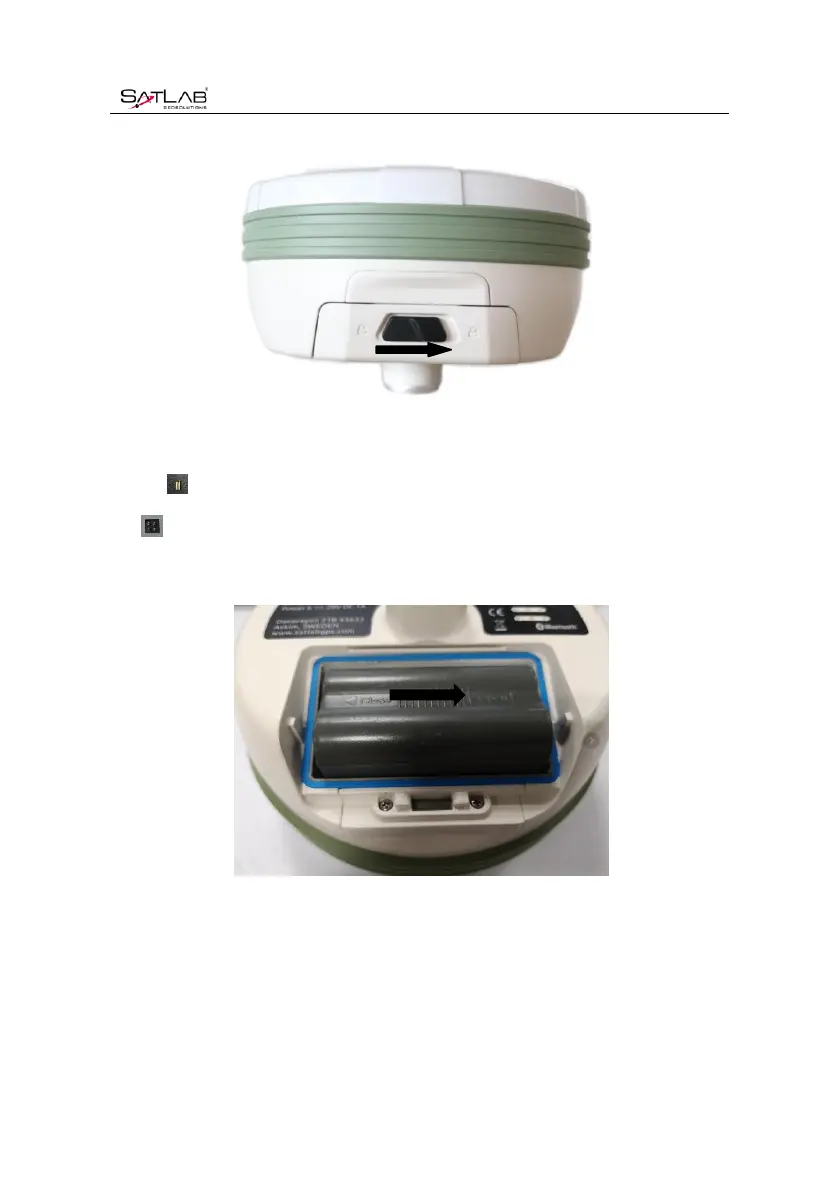
Figure 4-5-1Unload
Put the on the bottom of the battery marked with Open to the battery compartment, and
put into the battery rack.
Figure 4-5-2 Installed Battery
2. Unload
Gently press and push in the direction marked Open, pour out the battery and complete the
battery unloading.



 To Next Page