THE PRO F ES S I ON A L E Q UI P M EN T --- - --- - --- - --- - --| U S E R ’S MANUAL| THE PRO F ES S I ON A L E Q UI P M EN T --- - --- - --- - --- - --| U S E R ’S MANUAL|
Digita Satellite Meter 7
Digita Satellite Meter
|
6
|
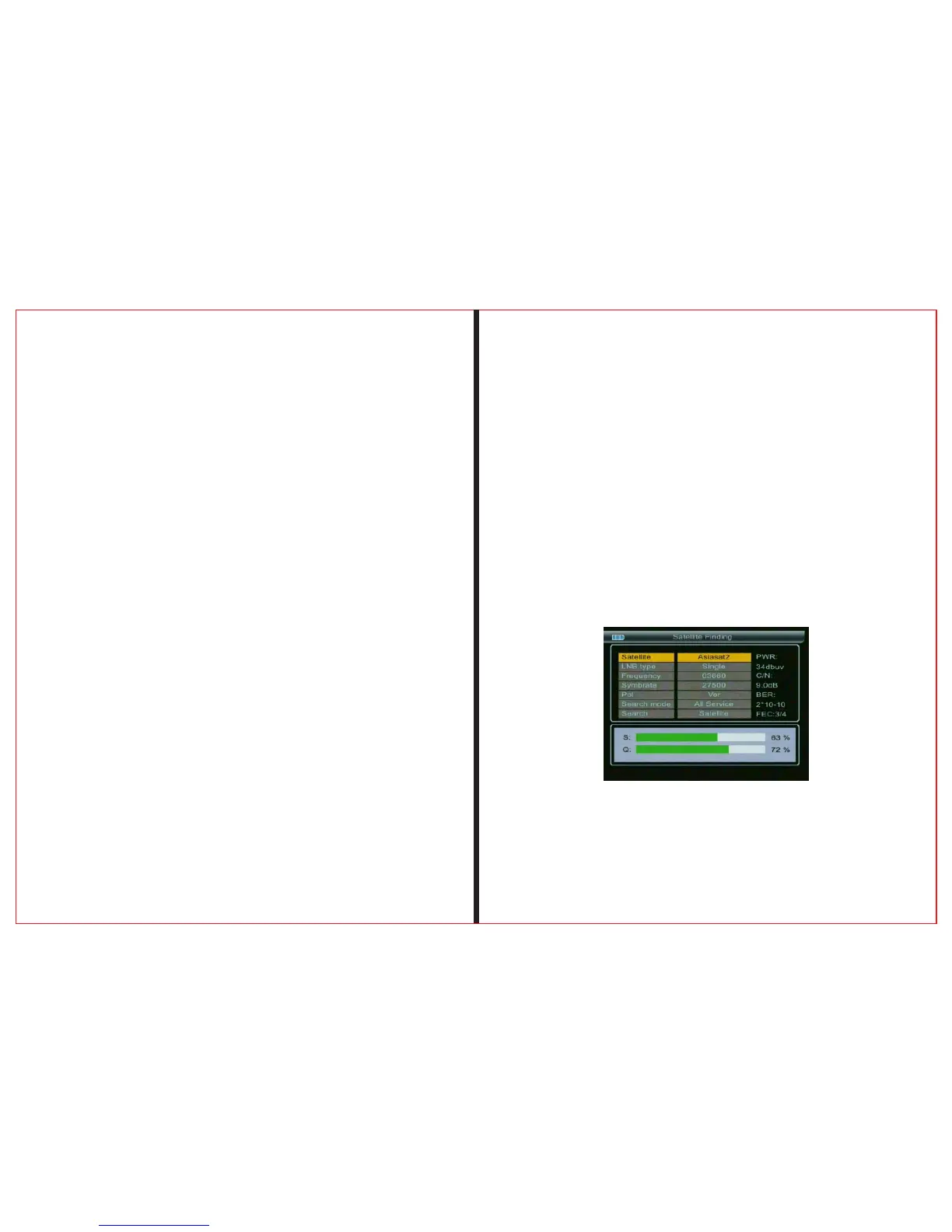
2.1.1 Satellite
Press “OK ” button to enter can be change the satelli-
te name and the current frequency
2.1.2 LNB Type
Press “OK” button enter next menu
2.1.2.1 Motor
press ◄ ► button Select Motor mode.
(OFF、USALS、DisEqC 1.2)
2.1.2.2 LNB Power
press ◄ ► button Select LNB Power
(OFF、18、13、13/18)
press ◄ ► button Select LNB style
(Single、UNIVERSAL、ONE CABLE)
2.1.2.3 LNB style
2.1.2.4 The vibration frequency
press ◄ ► button Select vibration frequency
(5150、9750、10000、10050、10600、10750、
11200、11250、11300、11475)
2.1.2.5 22Khz switchy
press ◄ ► button Select 22Khz switch(OFF、ON)
2.1.2.6 Switch type
press ◄ ► button Select Switch type
(None、DisEqC 1.0、DisEqC 1.1)
2.1.2.7 Frequency
Use the numerical button to input Freq Value for Down Freq
2.1.2.8 SymbRate
Use the numerical button to input Value for Symbol Rate
2.1.2.9 Pol
press ◄ ► button Select Polar Mode(VER、HOR)
2.1.2.9 Search Mode
press ◄ ► button Choose search method(ALL Service、
FAT Only、TV Only)
Set parameters, and press “OK” button to enter the Sub-
menu, and then align direction of antenna according to the
interface parameters.
2.1.7 Search
press ◄ ► button choose search mode
(Satellite、Transporder),press “OK” go to search



 To Next Page