1.2 Power On/Off
To turn on the meter when Power Switch moves to I
position.
To turn off the meter when Power Switch moves to 0
position.
Please turn off the meter to charge the meter in time
when system information for showing low power popes
up.
1.3Power Supply and Battery
It's used with 12V 1.5A Power Adaptor. It charges
through external power when battery is out of power.
It's used with 8.4V 3000 mAH Lithium Battery. It needs
4 hours charging time by connecting power adaptor with
external power or car charging. After it's full charge, it
works for more than 5 hours (It also depends on the load
of external antenna).
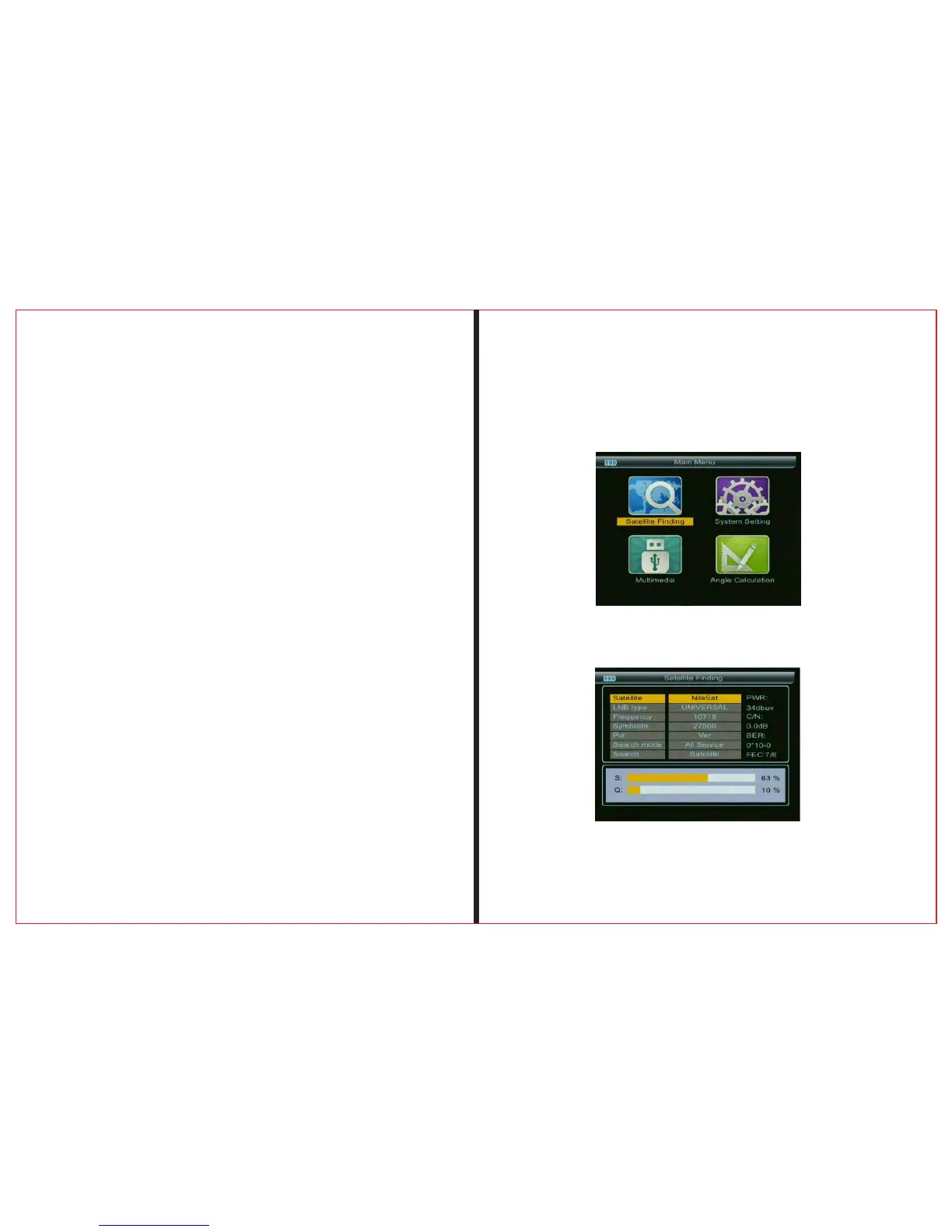
2.MENU
Press “ MENU” key to enter into main menu, and
2.1Satellite Find
THE PRO F ES S I ON A L E Q UI P M EN T --- - --- - --- - --- - --| U S E R ’S MANUAL| THE PRO F ES S I ON A L E Q UI P M EN T --- - --- - --- - --- - --| U S E R ’S MANUAL|
Digita Satellite Meter 5
Digita Satellite Meter
|
4
|
Notice: For initial charge, please make battery fully-
charged(We suggest it charge for 8 hours).
use Arrow key to move cursor, and then press “OK” key to select
sub-menu.



 To Next Page