THE PRO F ES S I ON A L E Q UI P M EN T --- - --- - --- - --- - --| U S E R ’S MANUAL| THE PRO F ES S I ON A L E Q UI P M EN T --- - --- - --- - --- - --| U S E R ’S MANUAL|
Digita Satellite Meter 11
Digita Satellite Meter
|
10
|
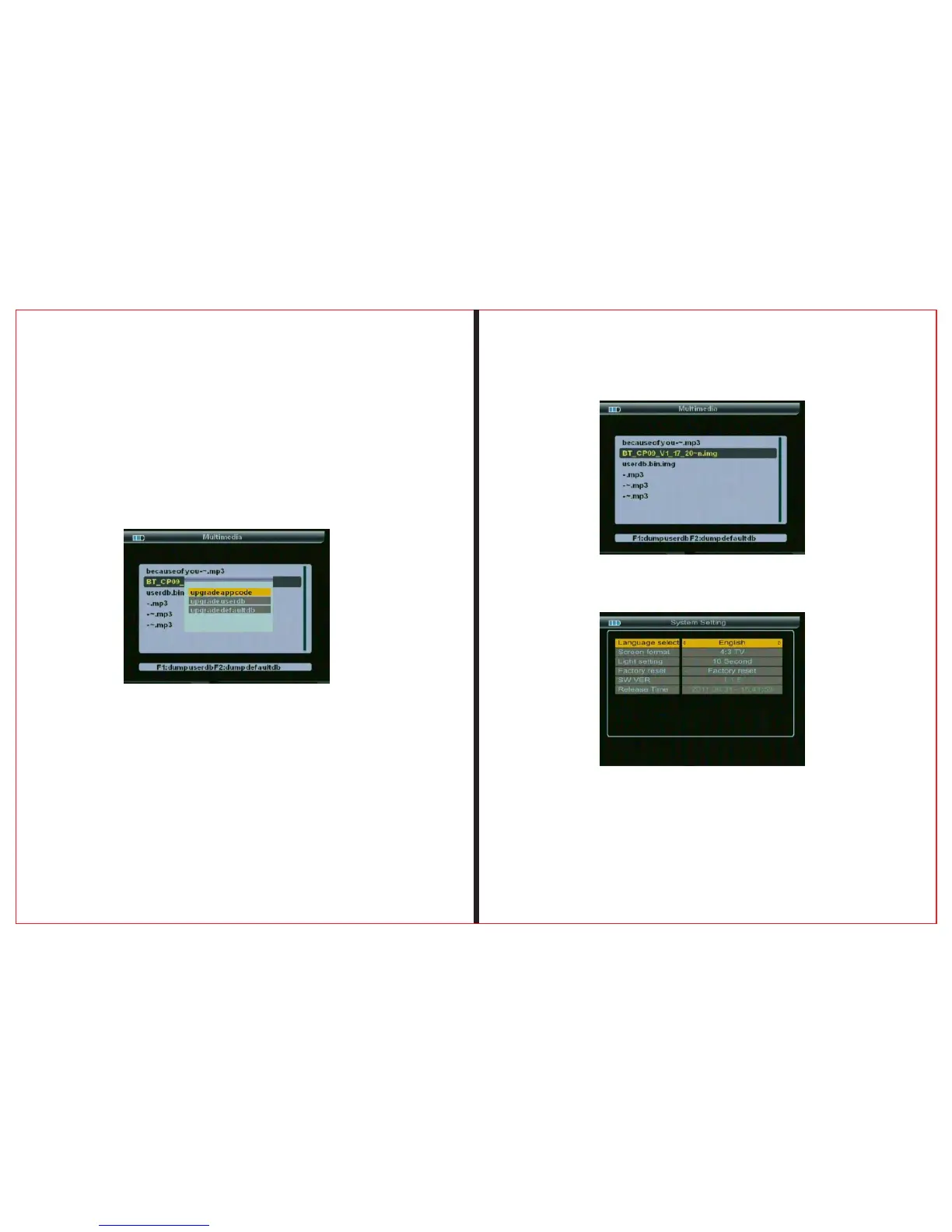
2.2.2 System upgrade
choose the file named “img” suffix press “OK” button,
suggesting to upgrade “app” or “user ddb” , press
up and down button , press ok confirmed,comfired
once again prompted to confirm the upgrade , press
“OK” button to start the upgrade , upgrade do not
power off.
2.2.3 Download the current user database
Usb interface , press the F1 key , you can down-
load the current user database 。according satellite
tp tools to produce there own default satellite
database
2.3 System setting
2.3.1 Language Select
Choose a kinds of menu languages



 To Next Page