THE PRO F ES S I ON A L E Q UI P M EN T --- - --- - --- - --- - --| U S E R ’S MANUAL| THE PRO F ES S I ON A L E Q UI P M EN T --- - --- - --- - --- - --| U S E R ’S MANUAL|
Digita Satellite Meter 15
Digita Satellite Meter
|
14
|
2.5 Shortcut Buttons
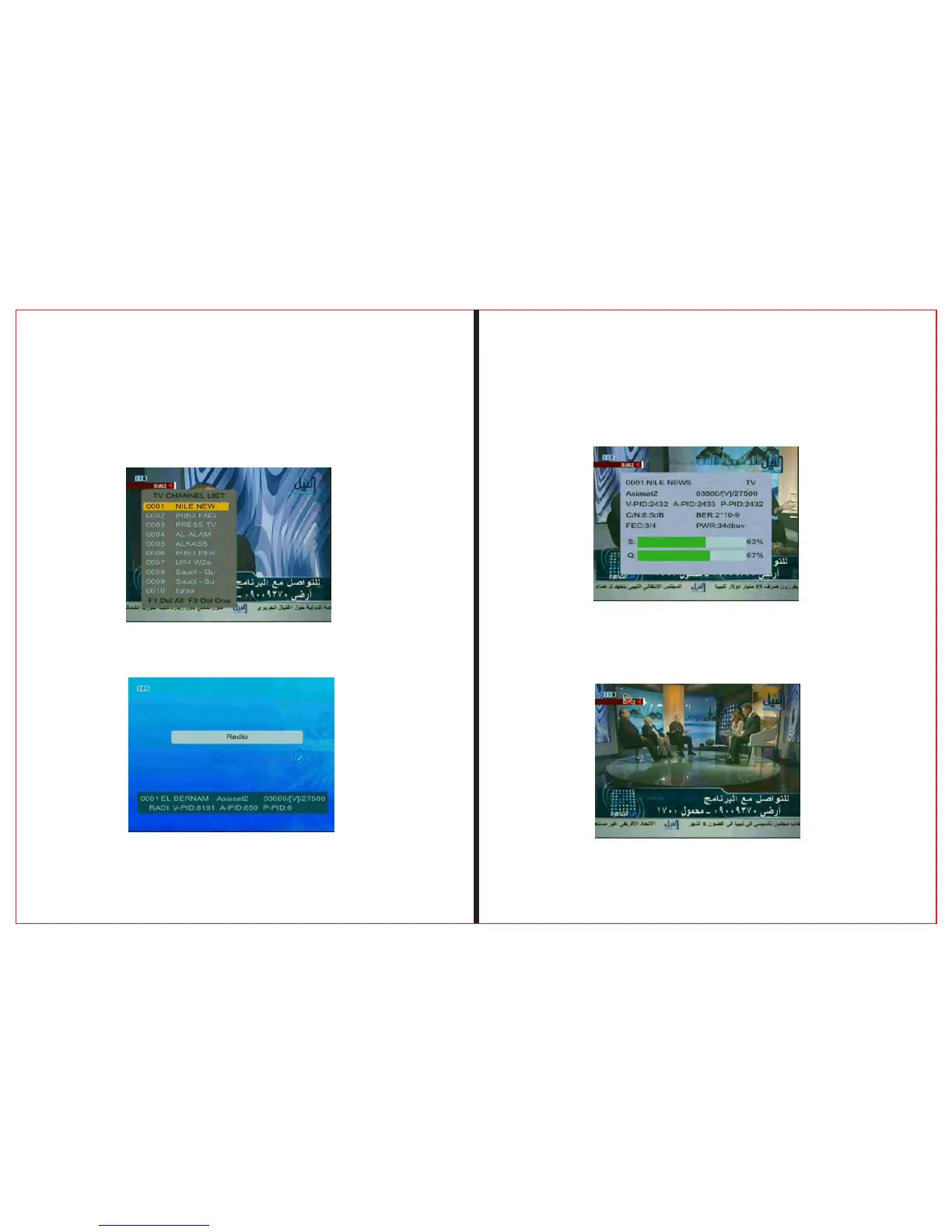
2.5.1 In the broadcase , press “OK” button to enter
the lower menu , follow the prompts
2.5.2 in the broadcast, press the “TV/Radio” button ,
to achieve TV/Radio feature conversion。
2.5.3 In the broadcast , press “INFO” button to enter
next menu, follow the prompts
2.5.4 Press “F2” button choose signal indicate voice
for turn on or turn off
2.5.5 Press “MUTE” button to turn on or turn off the
sound.



 To Next Page