THE PROFESSIONAL EQUIPMENT------------------|USER’S MANUAL| THE PROFESSIONAL EQUIPMENT------------------|USER’S MANUAL|
15-Digital Satellite Meter Digital Satellite Meter-16
There are functions of Play/Pause, Previous song,
Next song and stop and so on.
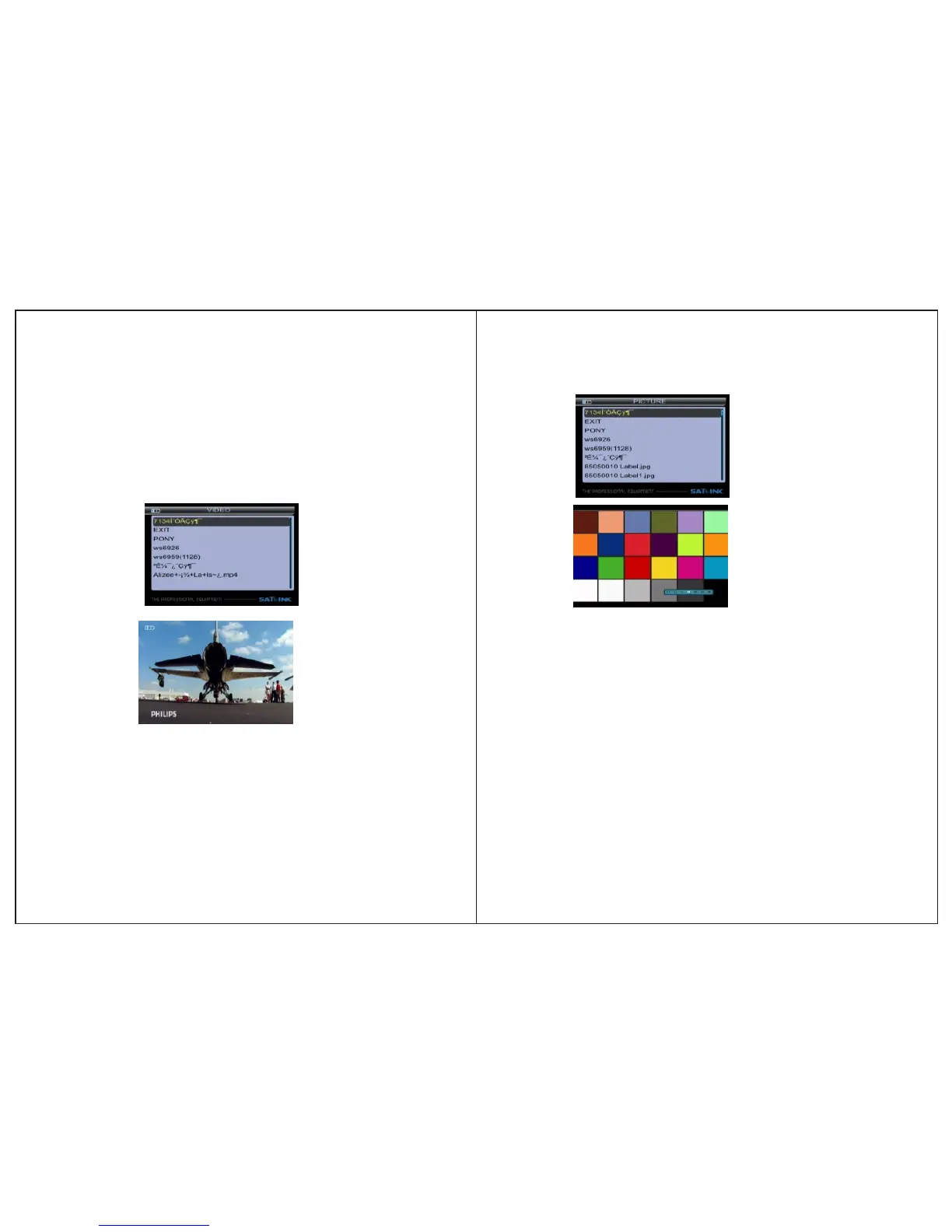
3.3.2VIDEO:
press OK key to play.
Press ▲▼ key to select the video file, then
Press ◄►key to control volume. Press MENU key to appear
playing bar.
Press ◄►key to move the cursor, then the tip will appear
on upper right of screen, then press OK key to operate fun-
ction. There are functions of Backward, Forward, Play/
Pause, Previous file, Next file, Stop.
3.3.3 PICTURE: Press ▲▼ key to select picture, then press
OK key to play.
Press MENU key to appear playing bar.
Press ◄► move the cursor, then press OK key
to operate function.
key to
There are functions of Rotating, Delay setting, ZOOM, Play
/Pause, Previous Picture, Next picture, Stop
3.3.4 Upgrade
Press F1 key to dump user database.
Press F2 key to dump default database.
Press F3 key to dump flash.
Press ▲▼ key to select update file,
Then press OK key to select upgrade part: app code;user
database; default database.
Press F1/F2 key to control volume.
Press ◄►key to move the cursor, then press OK key to
operate function.


 To Next Page