THE PROFESSIONAL EQUIPMENT------------------|USER’S MANUAL| THE PROFESSIONAL EQUIPMENT------------------|USER’S MANUAL|
25-Digital Satellite Meter Digital Satellite Meter-26
5Technical Specification
TRANSMISSION STANDARDS
DVB-s2/S,H.264
SATELLITE INPUT/DEMODULATION
Connector Type
F Type
Input Frequency
950 to 2150 MHz
Signal Input Level
-65 to -25dBm
Band Switch Control
22KHz
LNB Supply
13V/18V, Imax 400mA
Demodulation Type
QPSK,8PSK
LCD FEATURES
LCD Type
TFT TRANSMISSIVE
Number of Dots
320(RGB) x240
Active area (WxH)
2
70.08x52.56 mm
AV output interface
Connector Type
3.5 mm Jack
Video Output
CVBS,
Symbol Rate
2<Rs<45 Mband(SCPC/MCPC)
Audio output
Stereo Audio L/R output
AV input interface
Connector Type
3.5 mm Jack
Video input
CVBS,
Audio input
Stereo Audio L/R input
AUDIO/VIDEO PROCESSING
Video decompression
H.264 MP&HP@L4,HW JPEG decoding
Resolving rate
PAL-25 frame@720*576,NTSC-30
frame@720*480,
Press F1 key, return to channel select.
1.Press ▲▼ key to select item.
2.Press F4 key to change detail information page.
3.Press F2 key to book the current item,and enter the
bookeditems menu.
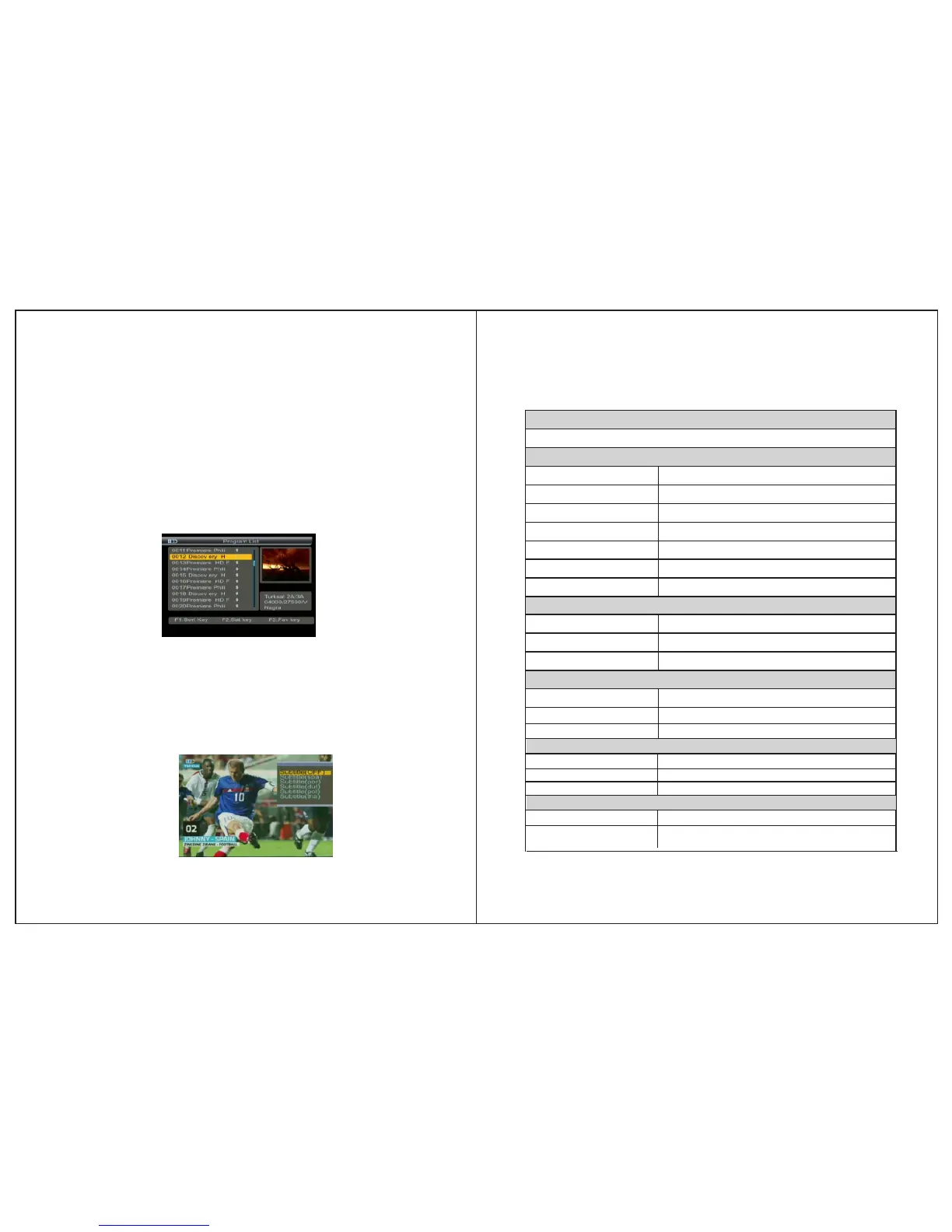
4.4 Program List
Press OK key into program list interface.
Please make reference to“4.2 Favorite Manager”.
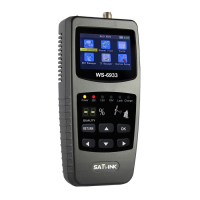
4.5 Subtitle
1.Press F1 key, you will notice the sub-menu with sort order
in screen.
2.Press▲▼ key to change subtiltle.
3.Prss OK key to confirm.


 To Next Page