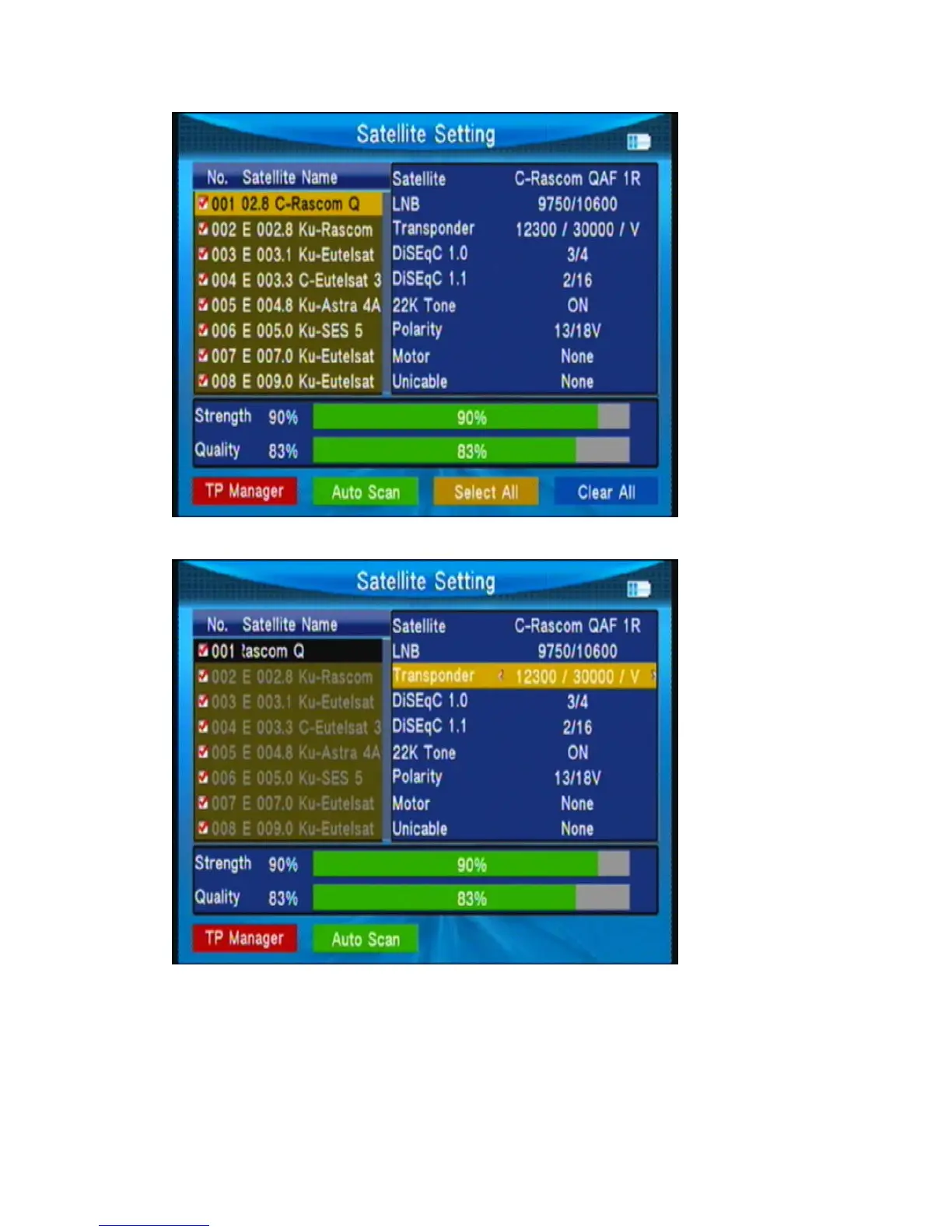
Press◄► to set the single satellite setting.
In the setting interface:
1, TP Manage: press red key into TP manager.
2, Auto Scan: press green key into auto scan.
3, LNB: Press◄► key then change the LNB frequency.
4, Transponder: Press◄► key then change the current TP.



 To Next Page