○ Country Setting
Press ◄► key to change the country
○ OSD Language
Press ◄► key to change the OSD Language.
○ TV Format
Press ◄► key to change the TV Format.
○ Video Output
If we connect HDMI interface, we can press ◄► key.
○ TV Resolution
OnthebasisoftheVideoOutputchoice, we can press ◄► key to change the TV resolution.
○ Digital Audio Output
Press ◄► key to change the LPCM or RAW format.
○ Time Zone
Press ◄► key to change the Time Zone.
○ PWR Unit
Press ◄► key to change the PWR unit.
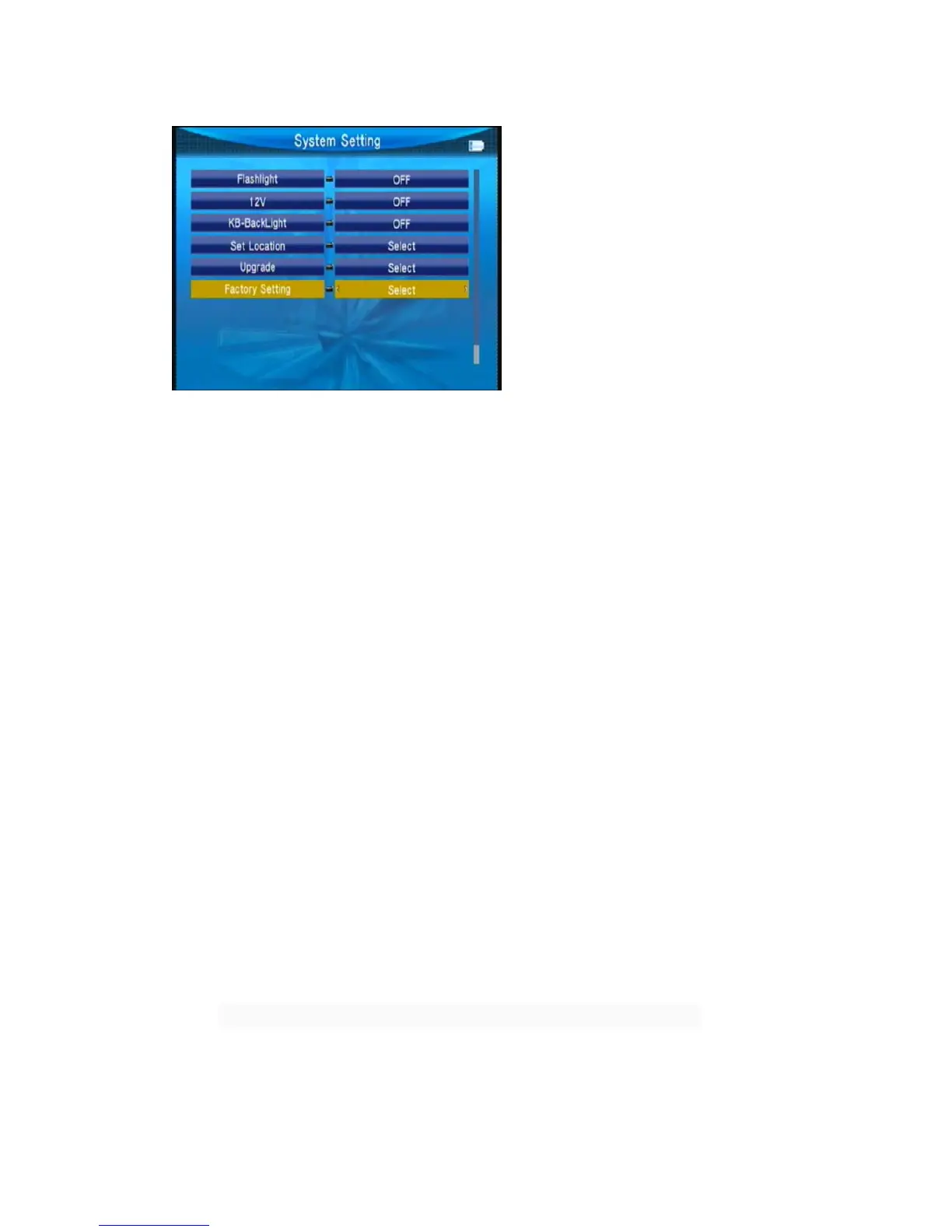
○ Flashlight
Press ◄► key to switch Flashlight on/off.
○ 12V
Press ◄► key to switch DC 12V output on/off.
Note: If the shell is no 12V interface, without this feature
○ KB-BackLight
Press ◄► key to switch delay time of back light.
○ Set Location



 To Next Page