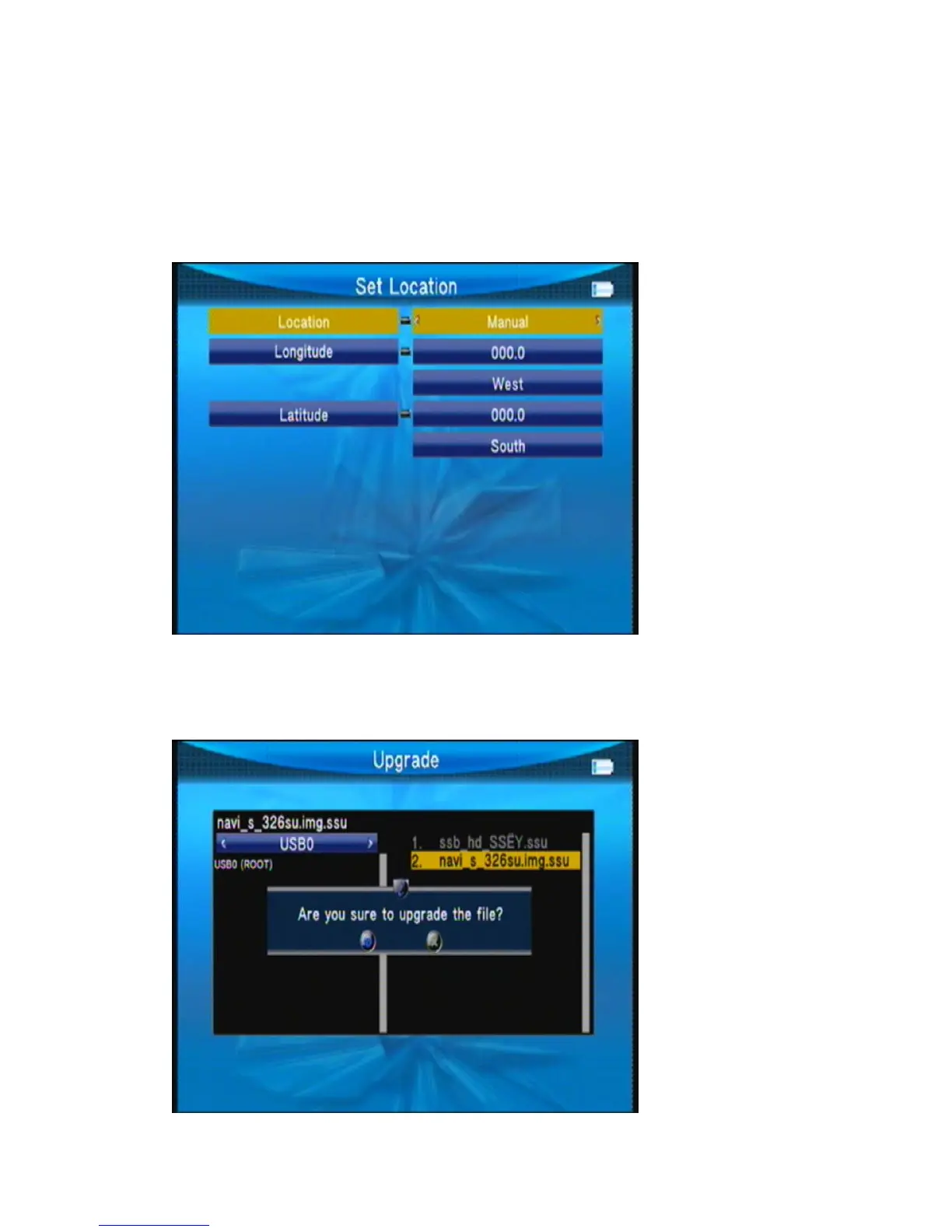
Press ◄► or ok key to set location longitude or latitude
Location: we can press ◄► to change the city, then auto select longitude and latitude.
Longitude: we can use number key input value then select west or east.
Latitude: we can use number key input value then select south or north.
○Upgrade
WillupdatethefileintotheUdisk;theninsertthemachine;pressokkeytoupdateinterface,use
thedirectionkeytoselectupdatefile.Pressokkeytoupdate.



 To Next Page