Section One
6
www.Satloc.com Falcon User Manual, Rev A
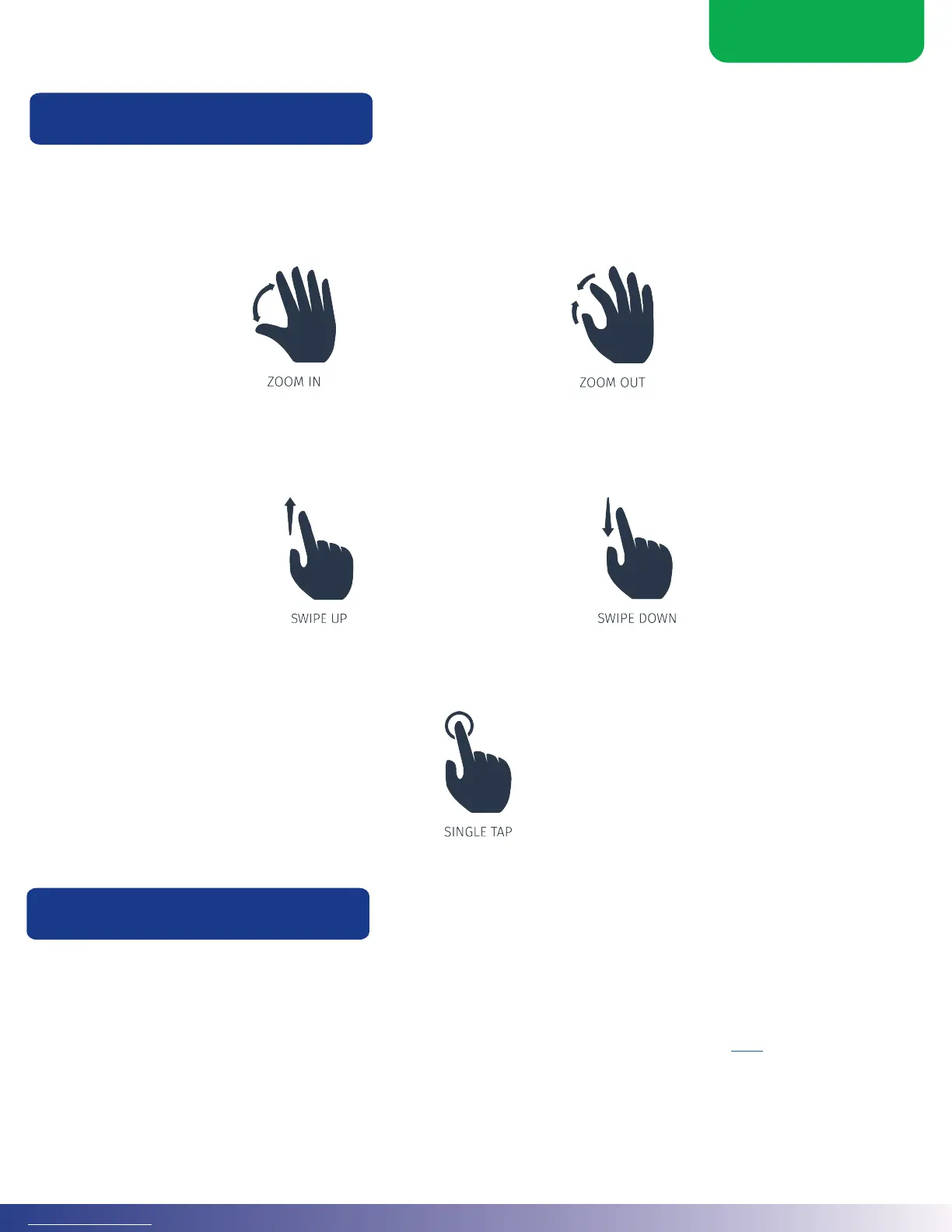
Use your nger(s) or a stylus to touch the screen and interact with all Falcon models.
Zooming refers to increasing or decreasing (zooming in or zooming out) the magnication of the screen. Use two
ngers on the screen, and move them apart to move in, or together to zoom out.
Scrolling refers to moving or shiing the screen in a specic direction (such as up or down) so you can see detail that
may not be currently visible.
e Falcon/Falcon Pro soware has on/o slider buttons. Single tap to turn the function on or o. If the button is green,
the function is ON. When the button is greyed out, the function is OFF.
1.4 NAVIGATING THE FALCON MODELS
Using the Touchscreen
Using the Encoder Knob
e Falcon model has a single encoder knob that performs the basic functions of dimming, brightening, and zooming.
A duel encoder knob comes with the Falco Pro model, which gives pilots more options to customize and use to their
preferences. Quick proles can be created for both encoder knobs to perform a selected function. Examples of the dual
encoder knob are application rate, center map, swath width, open menu, open setup, etc. Click here to view a video on
how-to use and customize the encoder knob. Also, how-to use and customize the encoder knob is explained later in this
manual.



 To Next Page