Section One
5
www.Satloc.com Falcon User Manual, Rev A
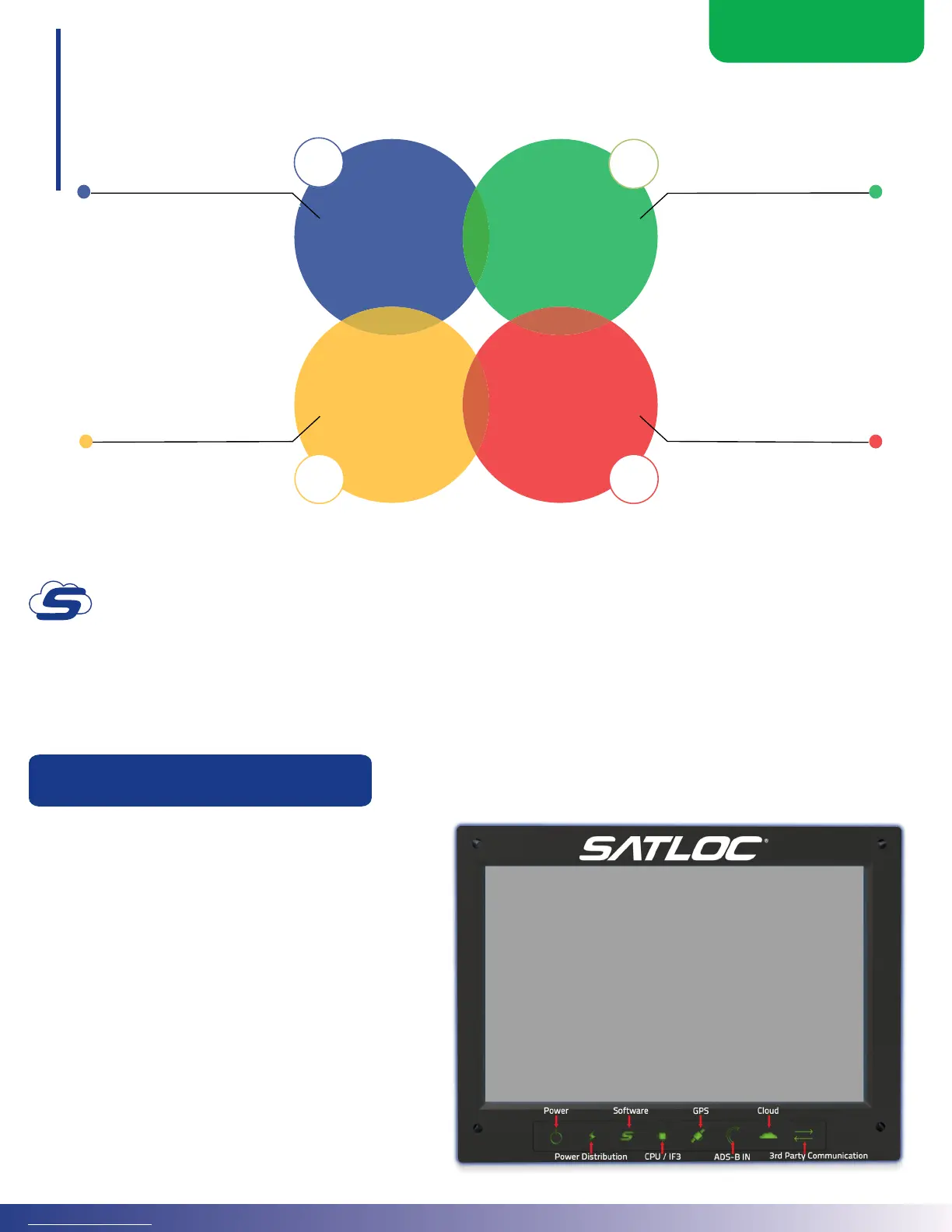
When to start a new Job?
The answer is based on how much data you want to be grouped.
Jobs are also how data is shared between Falcons. When released, this feature will allow two or more Falcons
(within the same Cloud company) to open the same Job and apply synchronously, sharing all the paint and
swathing data.
1.3 TOUCHSCREEN DISPLAY OVERVIEW
Every Satloc Falcon/Falcon Pro touchscreen display
features LED light indicators to give the user
information about the current state of the Falcon/
Falcon Pro and the systems it communicates with.
e LED lights represent power, power distribution,
soware, CPU / IF3, GPS, ADS-B In, Cloud, and 3rd
party connections.
• Red LED indicates – system error
• Green LED indicates - no system error
• Orange LED indicates – system warning
LED Light Indicators
02
1 Job
Per Day
Small Group
of Fields in 1
Area or with
1 Product
Polygons or
Prescription
Maps
As-Applied
Maps to
Customers
If you use the same
material and y all over
your area, applying to
multiple elds back and
forth all day, then maybe
one Job per day makes
sense. This will retain all
the paint data for all that
application on the screen.
When applying to a
small group of elds in
one area or one product,
consider placing all the
data in one Job.
When sending as-
applied maps to your
customers, a new job
for each customer might
make the export and as-
applied generation easier
since you won’t have to
sort through multiple
elds.
The Job is already set
when you start with
polygons or prescription
maps.
01
03 04



 To Next Page