Brake Cartridge Bracket (CTS-027)
Use the instructions in this chapter to install the Brake Cartridge Bracket service kit you received.
WARNING:
To ensure safety during maintenance, disconnect all electrical power to the saw and remove
the saw blade.
NOTE:
For an optimal experience using this service manual, begin maintenance on your saw by
starting with the chapter most directly associated with the CTS service kit you received
containing replacement parts.
IMPORTANT:
If you have the optional stand for the CTS, remove the saw from the stand and perform this
maintenance on a suitable workbench.
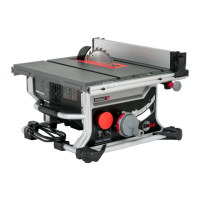
Certain maintenance operations may be best performed with your CTS tipped on its edge or
perhaps even flipped upside down to rest on its top. As a result, many photos in this service
manual do not depict the CTS in its normal, upright orientation.
Description
The Brake Cartridge Bracket is an integral element of the safety system of your CTS. It consists of a steel plate with
substantial mounting points to both anchor it within the structure of the saw and to also hold the brake cartridge.
Below are step-by-step instructions for the disassembly required to remove and then replace the Brake Cartridge
Bracket.
CTS Service Manual
|
72
Brake Cartridge Bracket (CTS-027)



 To Next Page