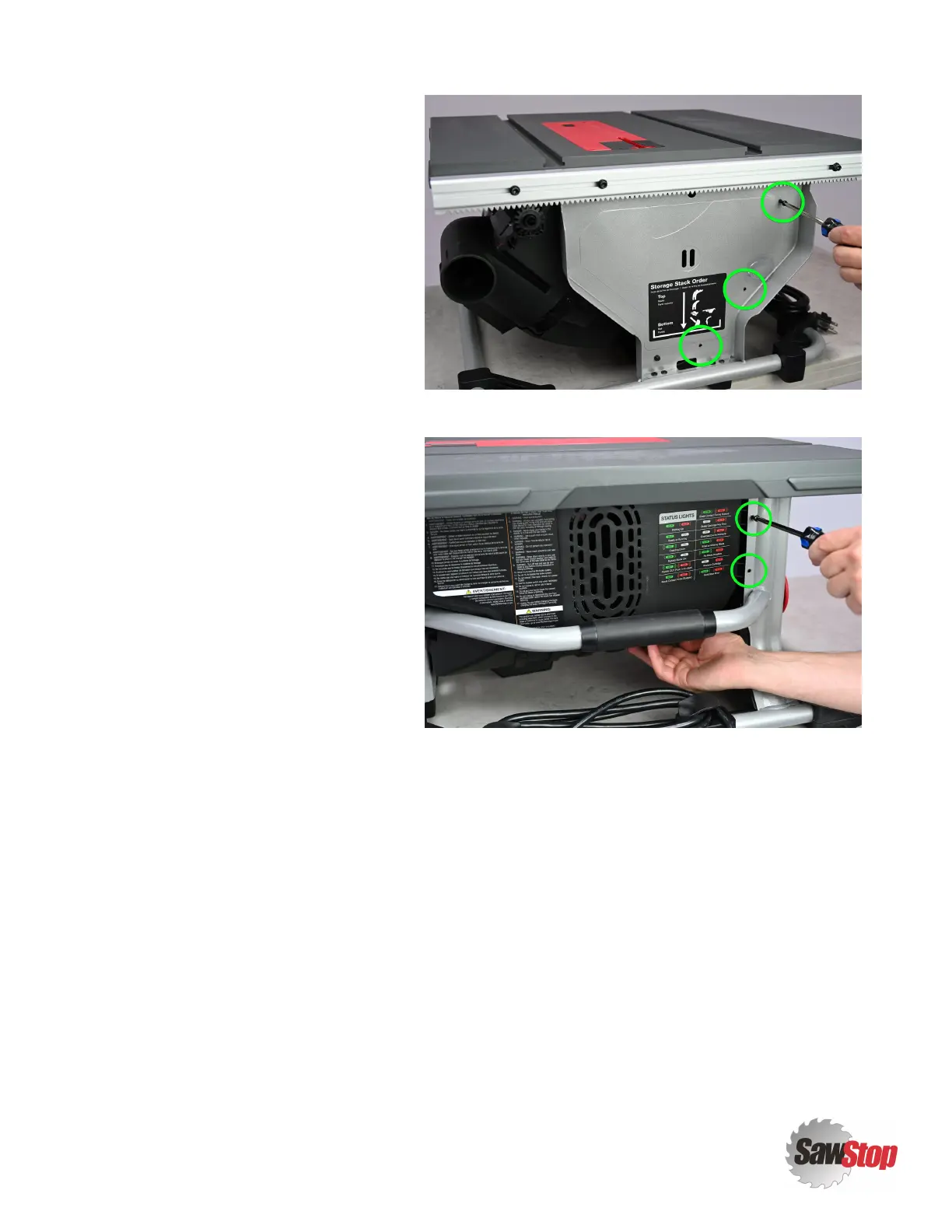
3. Fasteners are now revealed that
secure part of the
Motor Cover [1]
in
place. Remove the three
Screws - M4 x
1.8, 16mm, Button Head, Phillips [2]
indicated in the photo.
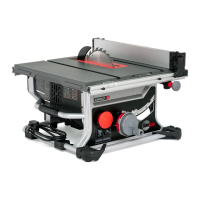
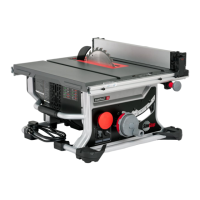
4. From the left side of your CTS, remove
the two
Screws - M4 x 1.8, 16mm, Button
Head, Phillips [2]
indicated in the photo.
5. The
Motor Cover [1]
is now free. Use the handle at the left side of the saw to tilt your CTS up to rest on its
right side.
CTS Service Manual
|
4
Motor Cover (CTS-015)



 To Next Page