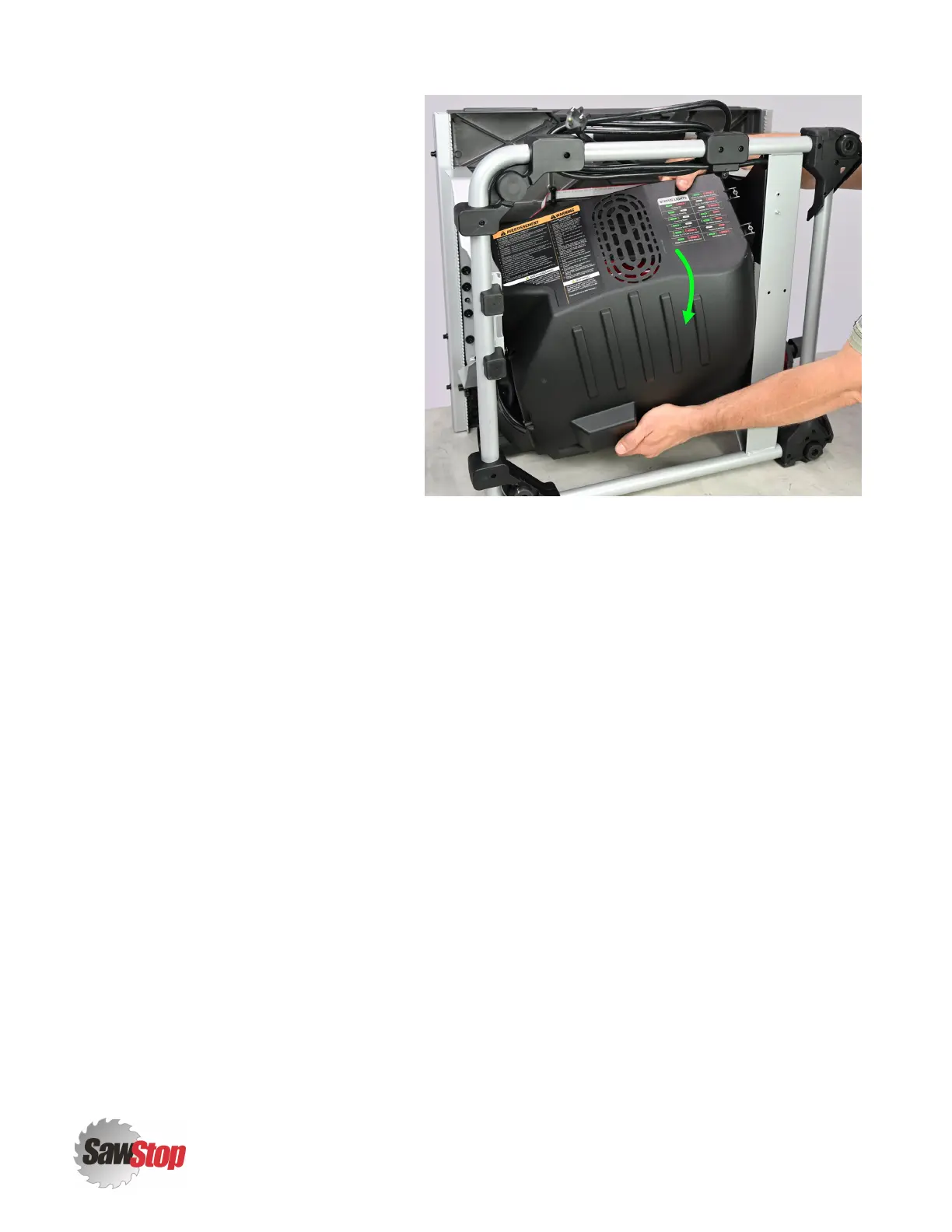
6. Slide the motor cover down and
remove it through the bottom of the
frame of your CTS. Once removed, set
it aside if it is to be re-installed later.
Discard it if a replacement has been
provided in the service kit you received
from SawStop.
Assembly Steps
1. Perform the Disassembly Steps described immediately above in reverse order. If a service kit containing
new parts to replace those removed above was provided, use only the new parts during re-assembly.
2. In reverse order, re-visit each of the chapter(s) listed in the Prerequisites section in this chapter and
perform the Disassembly Steps in reverse order for each.
Inspection Steps
Confirm that the
Motor Cover [1]
is secure. All fasteners should be snug such that the cover does not move or vibrate
when the CTS is running.
5
|
CTS Service Manual
Motor Cover (CTS-015)



 To Next Page